
Paid Advertising
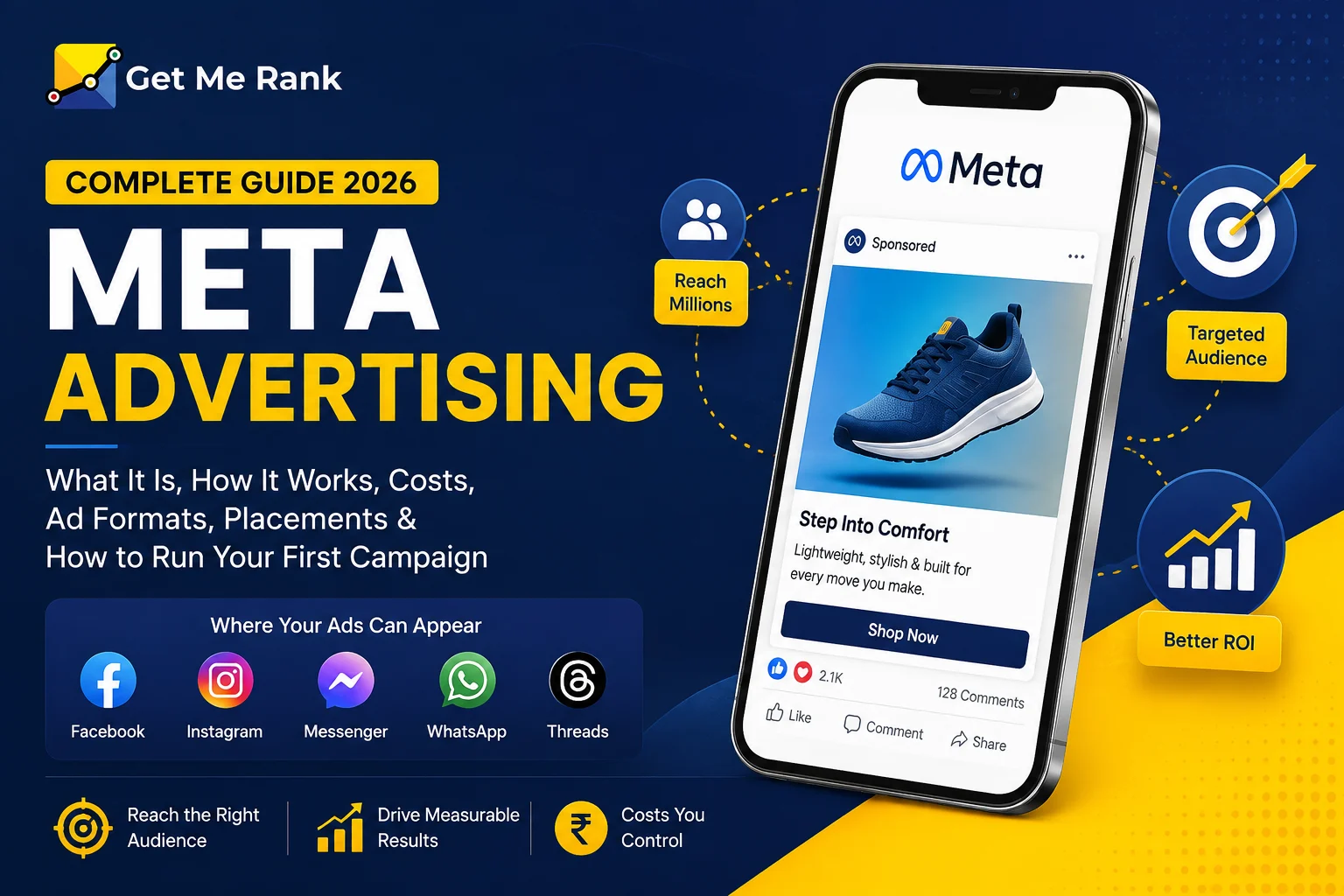
Meta advertising is how businesses reach customers across Facebook, Instagram, Messenger, and WhatsApp using a single ad platform. It is one of the largest paid channels in the world, and for good reason: it can put your product in front of a very specific group of people, at a cost you control, with results you can measure.
This guide keeps things simple. You will learn what Meta advertising is, how Meta Ads actually work, the ad formats and placements you can use, what results to expect, how much it costs, and how to set up your first campaign the right way. No jargon, no fluff — just what a business owner or marketer needs to make smart decisions.
What Is Meta Advertising?
Meta advertising (often called Meta Ads) is the paid advertising system run by Meta Platforms, the company behind Facebook, Instagram, Messenger, WhatsApp, and Threads. It was previously known as Facebook Ads, and it was renamed when Facebook became Meta.
In plain terms: you pay to show ads to people while they scroll their feeds, watch Reels, check Stories, or browse Marketplace. What makes it powerful is the targeting. Because so many people use these apps every day, Meta can help you reach the right audience based on age, location, interests, behavior, and even people who already know your brand.
So what is a Meta ad? It is a single paid post — an image, video, carousel, or collection — that appears inside Meta’s apps and is built to drive a specific action, such as a website visit, a message, a lead, or a purchase.
Meta Advertising: A Complete 2026 Guide to Facebook & Instagram Ads
Where Your Meta Ads Can Appear?
One campaign can run across several apps at once. Here is where your ads can show up:
| App / Network | What it is best for |
|---|---|
| Broad reach and community engagement; still the largest app, with a slightly older audience | |
| Visual storytelling, product discovery, and younger audiences | |
| Messenger | Direct conversations and re-engaging past visitors |
| Click-to-chat ads that start a direct conversation | |
| Threads | Newer text-based feed placement for extra reach |
| Meta Audience Network | Ads shown on partner apps and websites outside Meta |
How Do Meta Ads Work?
Every time someone opens Facebook or Instagram, an instant auction runs in the background to decide which ad they see. You are not simply “buying” a spot — you are competing for attention.
Meta does not just pick the highest bidder. It chooses the ad with the highest total value, based on three things:
| Factor | What it means |
|---|---|
| Your bid | How much you are willing to pay for the result you want |
| Estimated action rate | How likely that person is to take the action you care about |
| Ad quality | How relevant and useful your ad looks to that person |
This is good news for smaller advertisers. A well-made, relevant ad can win over a bigger budget with a boring one. In other words, better creative often beats a bigger wallet.
Meta Ad Formats
Your creative is the ad itself. Meta gives you a handful of core formats, and choosing the right one makes a real difference to performance.
| Format | What it looks like | Best used for |
|---|---|---|
| Single image | One photo with text and a button | Simple, clear offers and testing new ideas quickly |
| Video | A short clip in the feed, Reels, or Stories | Storytelling, demos, and building attention |
| Carousel | Several swipeable cards in one ad | Showing multiple products or step-by-step features |
| Collection | A cover image or video with products below | E-commerce and mobile shopping |
| Flexible | You upload several assets and Meta shows the best mix | Letting the system optimize creative automatically |
Meta Ads Placements
A “placement” is the exact spot your ad appears. You can pick these yourself, but for most advertisers the smart default is to let Meta place your ad wherever it is likely to perform best.
| Placement | Where it shows |
|---|---|
| Feeds | The main Facebook and Instagram scrolling feed |
| Stories | Full-screen ads between friends’ Stories |
| Reels | Short-form video, similar to how people watch Reels |
| Marketplace | Facebook’s buy-and-sell section |
| Search results | Alongside relevant searches inside the apps |
| Messenger | Inside the Messenger inbox |
| Audience Network | Third-party apps and sites in Meta’s partner network |
Campaign Objectives in Meta Ads Manager
Before you build an ad, Meta asks what you are trying to achieve. Picking the right objective tells the system who to show your ad to. There are six to choose from:
| Objective | Choose it when you want to… |
|---|---|
| Awareness | Get your brand in front of as many relevant people as possible |
| Traffic | Send people to your website, app, or landing page |
| Engagement | Get messages, video views, likes, or post interactions |
| Leads | Collect enquiries through forms, calls, or chats |
| App promotion | Get people to install or take action in your app |
| Sales | Drive purchases and conversions on your website or store |
Benefits of Meta Advertising
When you understand the benefits, it becomes clear why Meta advertising takes up such a large share of most marketing budgets. Here is where it earns its place:
| Benefit | Why it matters for your business |
|---|---|
| Massive, active audience | Billions of people use Meta’s apps daily, so your customers are almost certainly there |
| Precise targeting | Reach people by location, age, interests, behavior, and past actions — this data-driven targeting is Meta’s biggest strength |
| Full budget control | Start small, set daily or lifetime limits, and pause any time |
| Measurable results | Track cost per click, cost per lead, and return on ad spend in real time |
| Retargeting | Show ads again to people who visited your site but did not buy |
| Lookalike audiences | Find new people who resemble your best existing customers |
| Creative variety | Image, video, carousel, and collection formats keep your ads fresh |
Retargeting and lookalike audiences are where Meta social media advertising really separates itself from traditional advertising. Instead of shouting at everyone, you are having an ongoing, relevant conversation with the people most likely to buy.
How Much Do Meta Ads Cost?
There is no fixed price. You set your budget, and the auction decides the rest. Costs move with your industry, audience, location, season, and — most of all — the quality of your creative.
The benchmarks below are general ranges to plan with, not guarantees. Your real numbers will only show up once your campaigns run.
| Metric | What it measures | Typical range* |
|---|---|---|
| CPM | Cost per 1,000 impressions | Low single digits to low double digits (USD) |
| CPC | Cost per link click | Under $1 up to a few dollars |
| CPL | Cost per lead | A few dollars to a few tens of dollars |
| ROAS | Return on ad spend | Commonly around 3–5x when well optimized |
*Ranges vary widely by country, industry, and competition. Use them to sanity-check, then trust your own account data.
The important point: you can start with a modest daily budget, learn what works, and scale spending only on the ads that prove themselves.
How to Set Up a Meta Ads Campaign (Step by Step)
You do not need to be technical to launch your first campaign. Follow these steps in order.
- Create a Meta Business account. Set up Meta Business Suite. This keeps your Pages, ad accounts, and payment details organized in one place.
- Connect the Meta Pixel and Conversions API. These track what people do on your website after clicking. Good tracking is the single biggest factor in long-term results.
- Open Ads Manager and pick your objective. Match it to your real goal — sales, leads, traffic, and so on.
- Define your audience. Choose location, age, and interests, or upload your customer list to build custom and lookalike audiences.
- Choose placements. For most advertisers, automatic placements let Meta spend where it performs best.
- Upload your creative. Add your image or video, write clear copy, and include one obvious call to action.
- Set your budget and schedule. Start with a daily budget you are comfortable testing, and set a start date.
- Review and publish. Check every detail, then launch.
- Measure and optimize. Give the campaign a few days to learn, then keep what works and cut what does not.
Meta Ads Strategy Tips That Actually Work
Setting up an ad is easy. Getting a return is where strategy comes in. These are the habits that separate campaigns that grow from campaigns that quietly waste money:
- Let creative do the heavy lifting. Test several ads at once. Winning creative lowers your costs more than any bid tweak.
- Feed the system clean data. Set up the Pixel and Conversions API properly so Meta can optimize toward real results, not guesses.
- Start broad, then refine. Meta’s targeting is smart. Very narrow audiences often cost more, not less.
- Use retargeting deliberately. Warm audiences — past visitors and engaged users — almost always convert cheaper than cold ones.
- Give campaigns room to learn. Avoid editing every day. Constant changes reset the learning phase and hurt performance.
- Judge by outcomes, not vanity metrics. Cost per lead and return on ad spend matter far more than likes.
Common Mistakes to Avoid
- Running one ad and expecting it to win — you need to test.
- Skipping tracking, so you never really know what worked.
- Targeting too narrowly and starving the system of data.
- Sending clicks to a slow or confusing landing page.
- Turning off ads too early, before the learning phase finishes.
Meta Advertising vs Google Ads: A Quick Comparison
Both channels are powerful, but they catch people at different moments. Many businesses use both.
| Meta Advertising | Google Ads (Search) | |
|---|---|---|
| How it finds people | Shows ads based on interests and behavior | Shows ads based on what people search |
| Buyer intent | People are discovering, not always searching | People are actively looking for a solution |
| Best for | Building demand, awareness, and retargeting | Capturing existing demand |
| Creative style | Visual — image and video lead the way | Mostly text, with some visual formats |
Should You Manage Meta Ads Yourself or Hire Help?
Meta’s tools are built for self-serve, so you can absolutely start on your own. As spend grows, though, the difference between a good setup and a great one adds up fast — in wasted budget and missed sales.
Professional Meta advertising solutions help by aligning campaigns with your business goals, testing creative continuously, setting up accurate tracking, and reporting on the numbers that tie ads to revenue. If your time is better spent running your business, that expertise usually pays for itself.
Frequently Asked Questions
What is a Meta ad?
A Meta ad is a paid post — an image, video, carousel, or collection — that appears across Facebook, Instagram, Messenger, and WhatsApp, and is designed to drive a specific action like a visit, message, lead, or sale.
Is Meta advertising the same as Facebook advertising?
Yes. Facebook advertising was renamed Meta advertising when Facebook became Meta. The same platform now runs ads across Facebook, Instagram, Messenger, and WhatsApp.
How much do Meta ads cost per month?
There is no set monthly fee — you decide your budget. Some businesses start with a small daily amount and scale up as they see results. Your true cost per result depends on your industry, audience, and creative quality.
Are Meta ads worth it for small businesses?
Often, yes. You can start with a small budget, target a tight local audience, and measure exactly what you get back, which makes it one of the more accessible paid channels for small businesses.
How long does it take to see results from Meta ads?
New campaigns go through a short learning phase, usually a few days, while the system finds your best audience. Meaningful results typically take a couple of weeks of testing and optimizing.
What is the minimum budget for Meta ads?
Meta allows very low daily budgets, but a realistic testing budget gives the system enough data to optimize. Start with an amount you can run consistently for two to three weeks.