SEO
Short Answer: To do keyword research for SEO, start with a seed topic, expand it into related keyword ideas using a research tool, check each idea’s search volume and difficulty, group the keywords by search intent, and target the ones you can realistically rank for. The strongest tools for this are Google Keyword Planner, Ahrefs’ free Keyword Generator, Semrush’s Keyword Magic Tool, and SE Ranking, backed up by options like Google Trends, Ubersuggest, AlsoAsked, Keyword Surfer, Bing Webmaster Tools, Moz Keyword Explorer, Soovle, KeywordTool.io, Wordtracker, and Google Search Console. No single tool covers everything, so most people combine two or three.
Key Takeaways
- No single tool covers volume, difficulty, and intent equally well, so combining a couple gives better results than relying on one
- Google Keyword Planner, Ahrefs’ Keyword Generator, and Semrush’s Keyword Magic Tool are the three most reliable starting points, each pulling from a large, credible search database
- SE Ranking is a strong all-in-one platform, but unlike the other three, it doesn’t have a genuinely free plan, only a 14-day trial
- AlsoAsked and Bing Webmaster Tools add two data sources most keyword workflows skip, deep PAA question trees and real search volume from Bing rather than Google
- Free tiers of paid platforms cap daily or monthly searches, which matters on bigger projects
- Google Search Console is the single most underused free source, since it shows what your site already ranks for, not just what it might rank for
How to Do Keyword Research for SEO (Step by Step)
If you’ve ever stared at a blank spreadsheet wondering where to begin, this is the process most SEOs follow. It works with any of the tools below.
- Pick a seed keyword. This is the broad topic your business is about. A yoga studio might start with “yoga classes,” and an online shoe store might start with “running shoes.”
- Expand it into keyword ideas. This is how you develop keywords for SEO. Feed your seed term into Keyword Planner, Ahrefs’ Keyword Generator, or Semrush, and note the variations, questions, and long-tail phrases that come back.
- Check the search volume. Keep terms with real demand. A keyword nobody searches won’t bring traffic, however well you optimize for it.
- Check keyword difficulty. A tool like Semrush, Ahrefs, or SE Ranking gives a rough sense of how hard a term is to rank for. New sites should lean toward lower-difficulty, more specific phrases.
- Match search intent. Search your keyword on Google and look at what ranks. If the top results are all product pages and you’re writing a blog post, the intent doesn’t match.
- Group and prioritize. Cluster related keywords onto one page, then start with terms that have decent volume and manageable difficulty.
What Should You Look for in a Keyword Research Tool?
Three things separate a genuinely useful tool from one that just looks useful: how accurate its search volume is, whether it shows any ranking difficulty estimate, and whether it surfaces related or long-tail variations beyond your seed keyword.
Free and entry-level tools rarely deliver all three at once, which is why combining a couple of them usually beats picking one. It also matters more now that AI-driven search is changing how content gets found, and if you’re curious how the newer generation of software fits into a keyword workflow, this rundown of the top AI SEO tools in 2026 is a good next step.
The 14 Keyword Research Tools
1. Google Keyword Planner
How to Do Keyword Research for SEO: 13 Tools That Actually Work
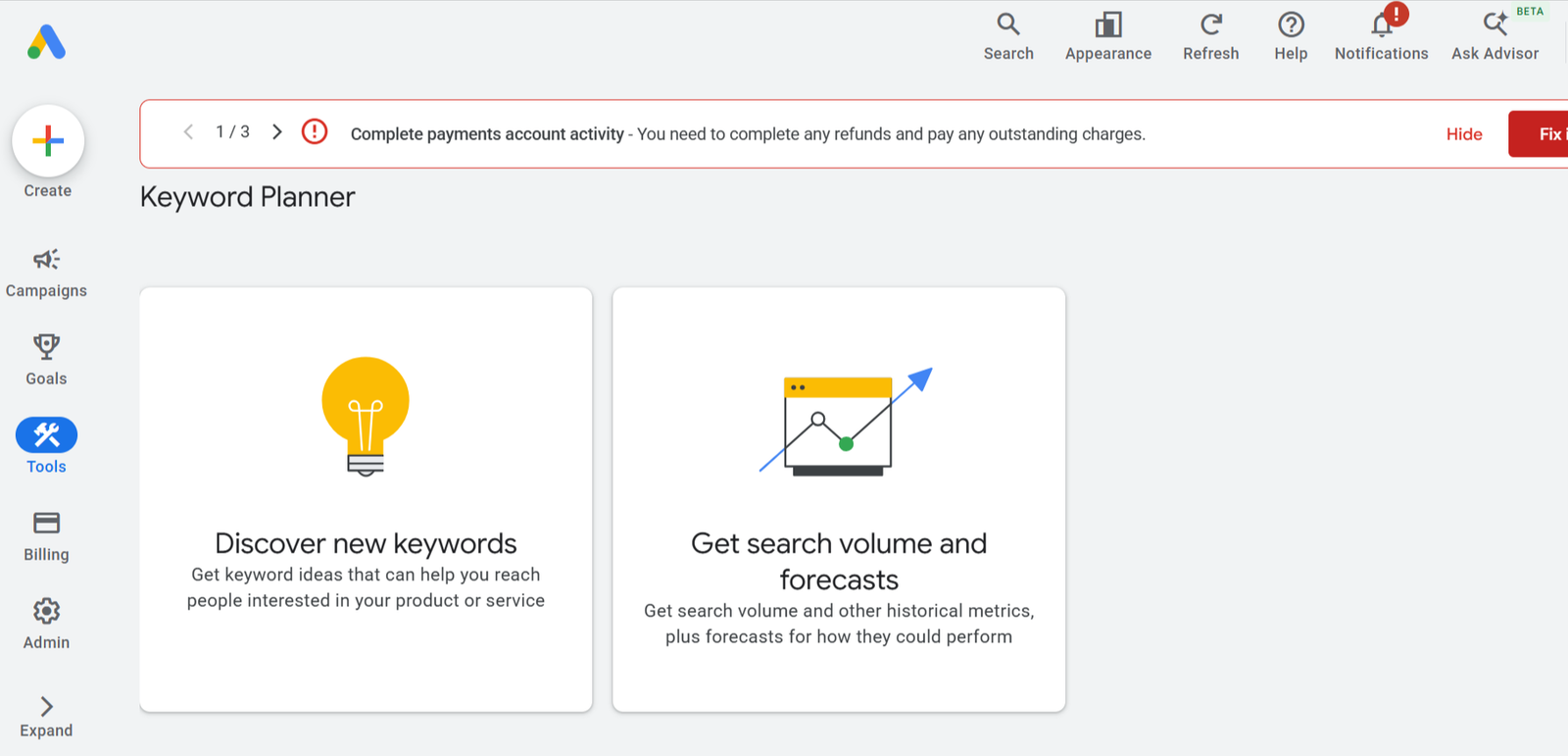
Built into Google Ads, Keyword Planner generates keyword ideas and monthly search volume ranges from Google’s own data, based on a seed keyword, URL, or category.
Best for: Keyword Planner is best for validating raw search demand before you invest in content. Because the numbers come straight from Google, it’s the most dependable way to confirm a topic is worth writing about.
Standout feature: Its biggest strength is that the volume data comes directly from Google’s own search data, so you’re never guessing where the numbers came from.
Pros: Free, direct from Google, no daily search limit.
Cons: Volumes show as broad ranges, and the interface is built around advertising rather than SEO.
Limitations: There’s no difficulty score, and you need a Google Ads account to use it.
Example: A dental clinic checks “teeth whitening cost” and “teeth whitening near me” to see which has enough monthly searches to justify a dedicated page.
HOW GET ME RANK USES IT
It’s usually the first stop for confirming demand on a client’s core topics, before cross-checking difficulty elsewhere.
2. Ahrefs
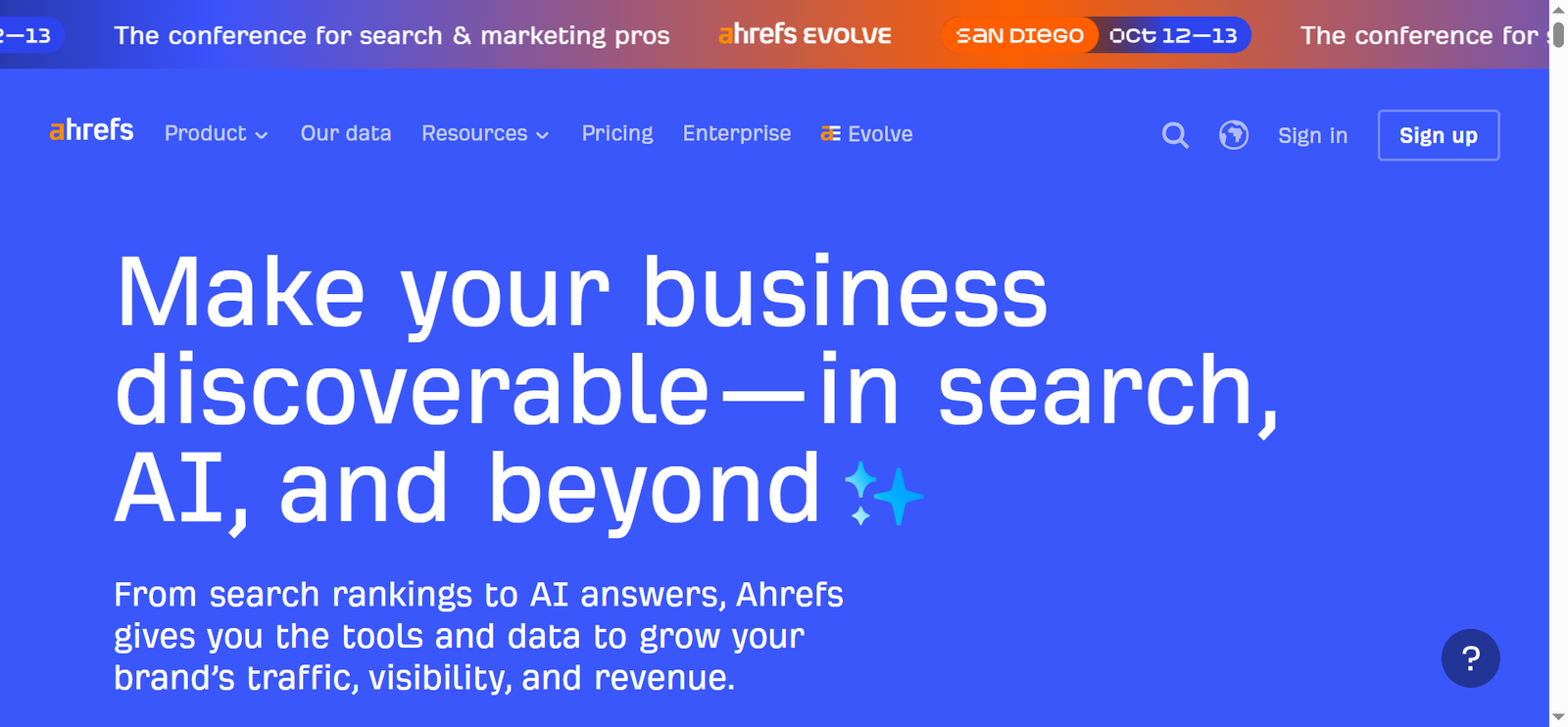
Ahrefs is one of the most widely used SEO platforms, and its free Keyword Generator gives non-subscribers a genuine taste of that database. Enter a seed term and it returns up to 100 keyword ideas with volume and Keyword Difficulty scores, plus a separate list of related questions, and it works across Google, YouTube, Amazon, and Bing, not just Google alone.
Best for: Ahrefs’ free tool is best for a quick, credible difficulty check, since its KD score is one of the more trusted estimates in the industry, and for researching non-Google platforms like YouTube or Amazon in the same search.
Standout feature: It’s one of the only free tools that pulls keyword data across four different search engines from a single query.
Pros: No signup required for a basic search, credible difficulty scoring, genuinely useful question list included.
Cons: The free version caps out at a limited number of results per search, and full features like Content Gap analysis require a paid account.
Limitations: You only see a slice of Ahrefs’ full keyword database, the paid Keywords Explorer goes much deeper.
Example: An outdoor gear brand runs “hiking boots” through the free generator and finds strong Amazon-specific variations it wouldn’t have found using a Google-only tool.
HOW GET ME RANK USES IT
As a fast difficulty cross-check against Keyword Planner’s volume data, and specifically when a client sells on Amazon or has a strong YouTube presence.
3. Semrush
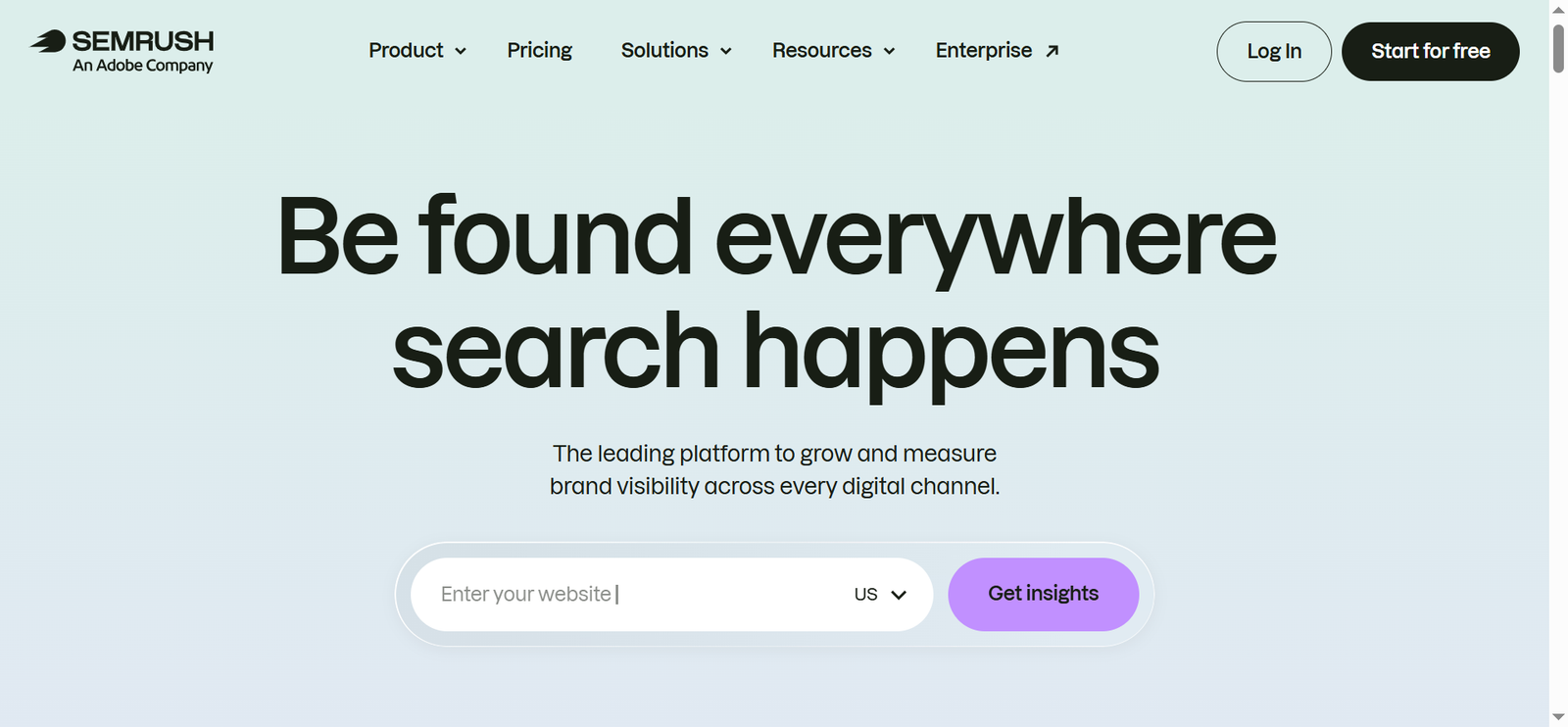
The free tier generates large lists of related keywords grouped by subtopic, with volume, difficulty, and intent labels. Semrush also offers a limited free account and occasional trial periods on paid plans, so it’s worth checking current terms if you want deeper, unrestricted access.
Best for: The Keyword Magic Tool is best for building a full keyword cluster around a content pillar. It’s the closest thing on this list to what a full paid platform offers.
Standout feature: It automatically groups related keywords by subtopic and labels each one by search intent, which saves hours of manual sorting.
Pros: One of the most complete free data sets available, with intent labels included.
Cons: The free daily allowance runs out fast, and the interface can overwhelm beginners.
Limitations: You only get a fraction of the paid platform’s features without a subscription.
Example: A SaaS blogger enters “email marketing” and gets clusters like “email automation” and “newsletter tools,” each mapped to informational or commercial intent.
HOW GET ME RANK USES IT
For pillar content planning, we pull an initial cluster before deciding which terms justify a deeper dive.
4. SE Ranking
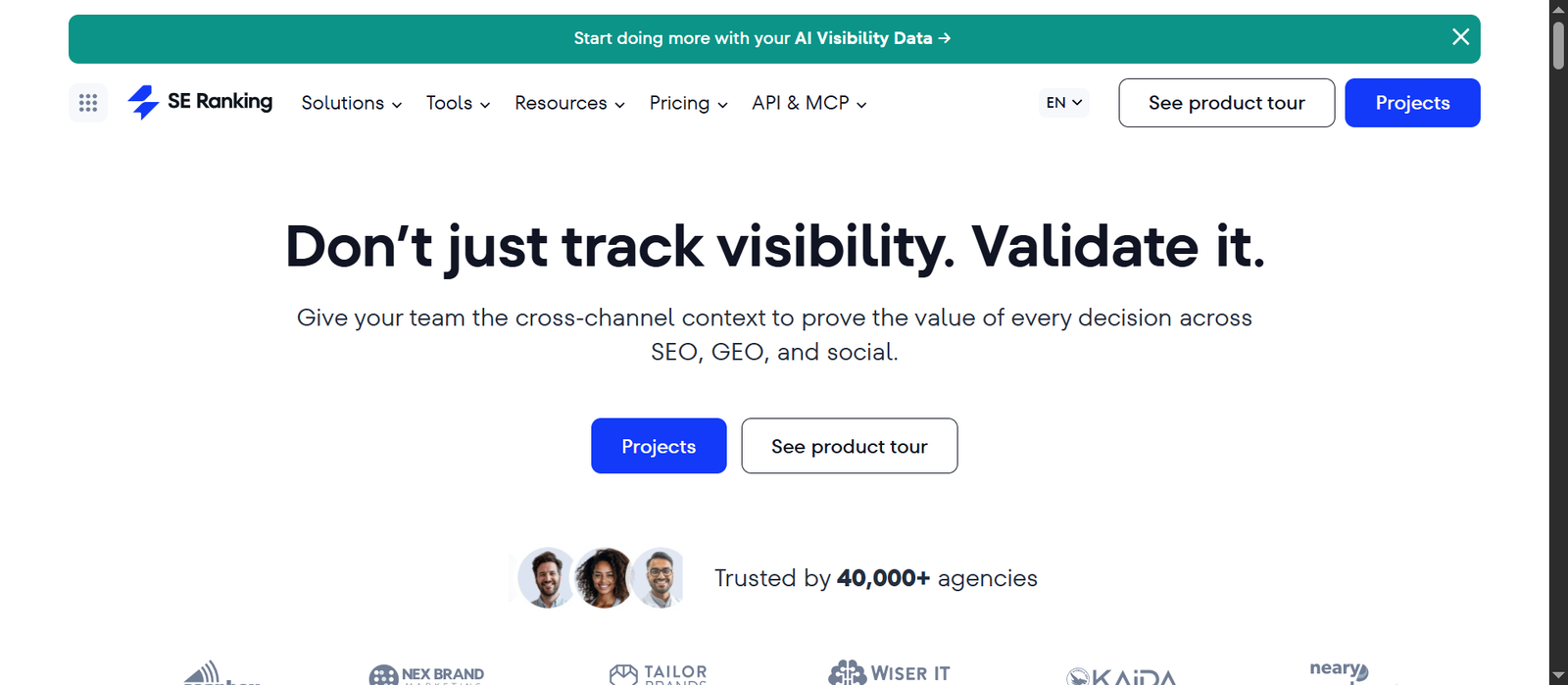
SE Ranking is an all-in-one SEO platform covering keyword research, rank tracking, site audits, and backlink analysis. It’s worth being upfront about one thing: unlike the three tools above, SE Ranking doesn’t offer an ongoing free plan, only a 14-day free trial that requires signing up, so it doesn’t fit a strictly “free forever” list the same way the others do.
Best for: SE Ranking’s keyword research tool is best for teams that want an affordable, beginner-friendly alternative to Ahrefs or Semrush once the trial period is used to evaluate it, particularly for keyword tracking alongside research.
Standout feature: It pairs keyword research directly with rank tracking and site auditing in one dashboard, at a lower starting price than Ahrefs or Semrush’s paid tiers.
Pros: More affordable than Ahrefs or Semrush at the paid tier, genuinely beginner-friendly interface, strong keyword tracking volume for the price.
Cons: No standing free plan, a smaller keyword database than Ahrefs or Semrush, and a weaker backlink index than either competitor.
Limitations: The trial period is time-limited, so it’s better suited to evaluating the tool than to ongoing free keyword research.
Example: A small agency uses the 14-day trial to run keyword research and competitor tracking for a new client pitch before deciding whether to subscribe.
HOW GET ME RANK USES IT
Occasionally trialed for clients who specifically want lower-cost, ongoing rank tracking once a keyword strategy is already set.
5. Google Trends
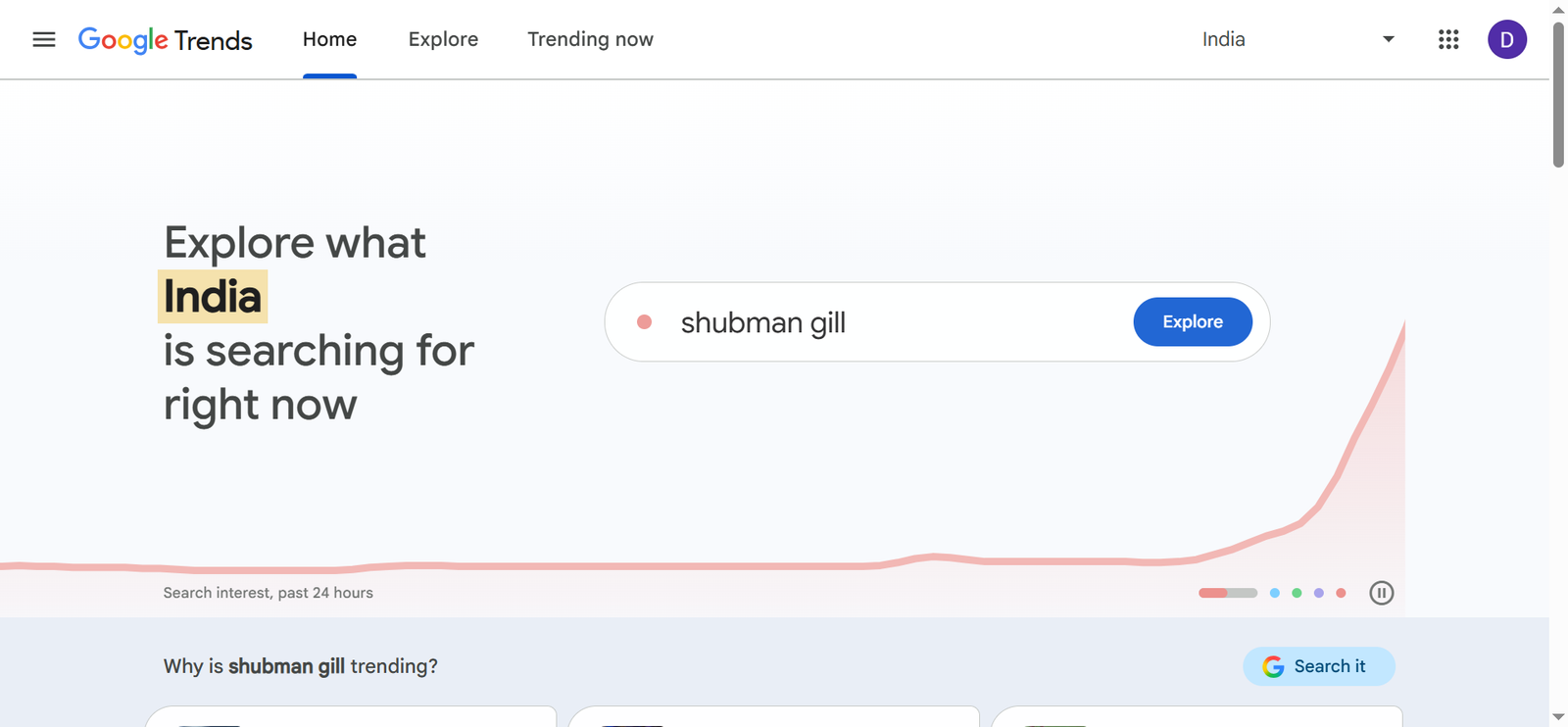
Google Trends shows relative search interest over time, with regional breakdowns and related rising queries.
Best for: Trends are best for spotting seasonal patterns and rising topics before they show up as meaningful volume elsewhere. It helps you decide not just what to write, but when to publish.
Standout feature: You can compare up to five terms side by side over time, which makes it easy to see which topic is growing and which is fading.
Pros: Free, unlimited, excellent for seasonality and regional differences.
Cons: Low-volume terms often return no data at all.
Limitations: It shows relative interest on a scale, not actual search volume.
Example: An online store compares “air fryer” and “slow cooker” to time its holiday content a few weeks before interest climbs.
HOW GET ME RANK USES IT
Trends data feeds content calendars for clients with seasonal business cycles.
6. Ubersuggest
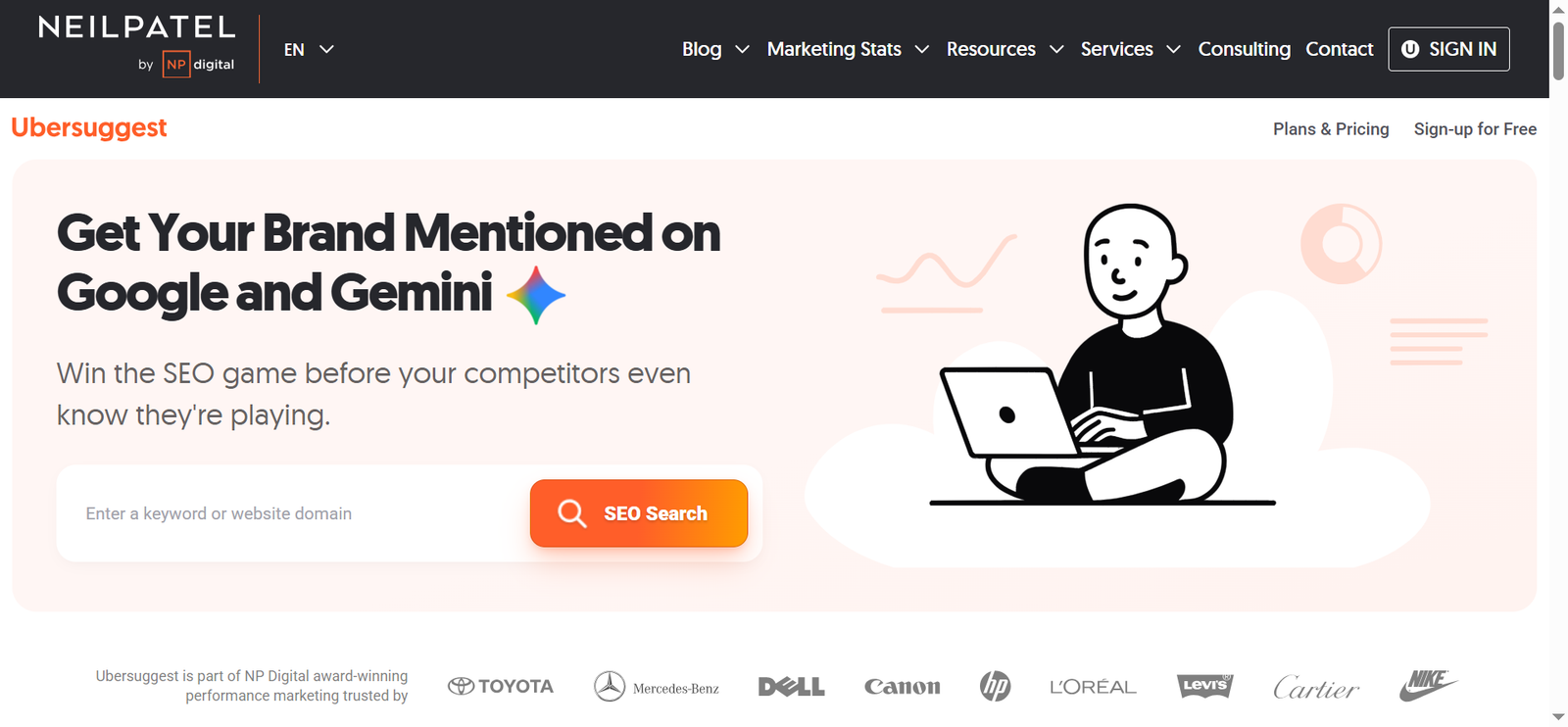
Ubersuggest is a keyword suggestion tool with a free tier that gives estimated volume, an SEO difficulty score, and a look at which pages currently rank.
Best for: Ubersuggest is best for people who want volume and difficulty in one place without juggling tabs. It works especially well in the middle of research, when you’re trimming a long list into terms worth pursuing.
Standout feature: Its simple difficulty score is easy for beginners to read at a glance, alongside a view of the pages currently ranking for each term.
Pros: Combines volume and difficulty, beginner-friendly, decent free allowance.
Cons: Difficulty scores can run optimistic compared to more established tools.
Limitations: Free searches are capped per day.
Example: A freelance designer narrows a list of 40 “logo design” phrases down to the five with reasonable volume and low difficulty.
HOW GET ME RANK USES IT
It’s a quick difficulty sanity check after Keyword Planner confirms a term has real volume.
7. AlsoAsked

AlsoAsked is a purpose-built question research tool that scrapes Google’s “People Also Ask” data and maps it into an interactive tree, showing not just the first layer of questions but the follow-up questions Google surfaces once you dig deeper. The free plan caps you at a small number of searches, with paid plans starting at roughly $12 a month for unlimited use.
Best for: AlsoAsked is best for building genuinely deep FAQ sections and topic clusters, since it surfaces second, third, and even fourth-level follow-up questions a single Google search or a generic autocomplete list won’t show you.
Standout feature: The nested question tree reveals follow-up questions competitors typically miss, which is exactly the kind of specific, narrow content that tends to earn featured snippets and AI Overview citations.
Pros: Genuinely deeper question data than most competitors, adjustable by country and language, free tier available with no credit card required.
Cons: Free searches are limited, and unlike AnswerThePublic’s broader who, what, why, how format, it focuses specifically on PAA-style questions rather than a wider mix of phrasing.
Limitations: It’s a narrow, single-purpose tool, it doesn’t provide volume or difficulty scoring on its own.
Example: A financial advisor searches “retirement planning” and finds a fourth-level follow-up question like “how much should a 45 year old have saved,” a specific, underused topic worth its own page.
HOW GET ME RANK USES IT
During outline creation for pillar content, specifically to find the deeper, more specific questions a first-layer Google search won’t surface.
8. Keyword Surfer
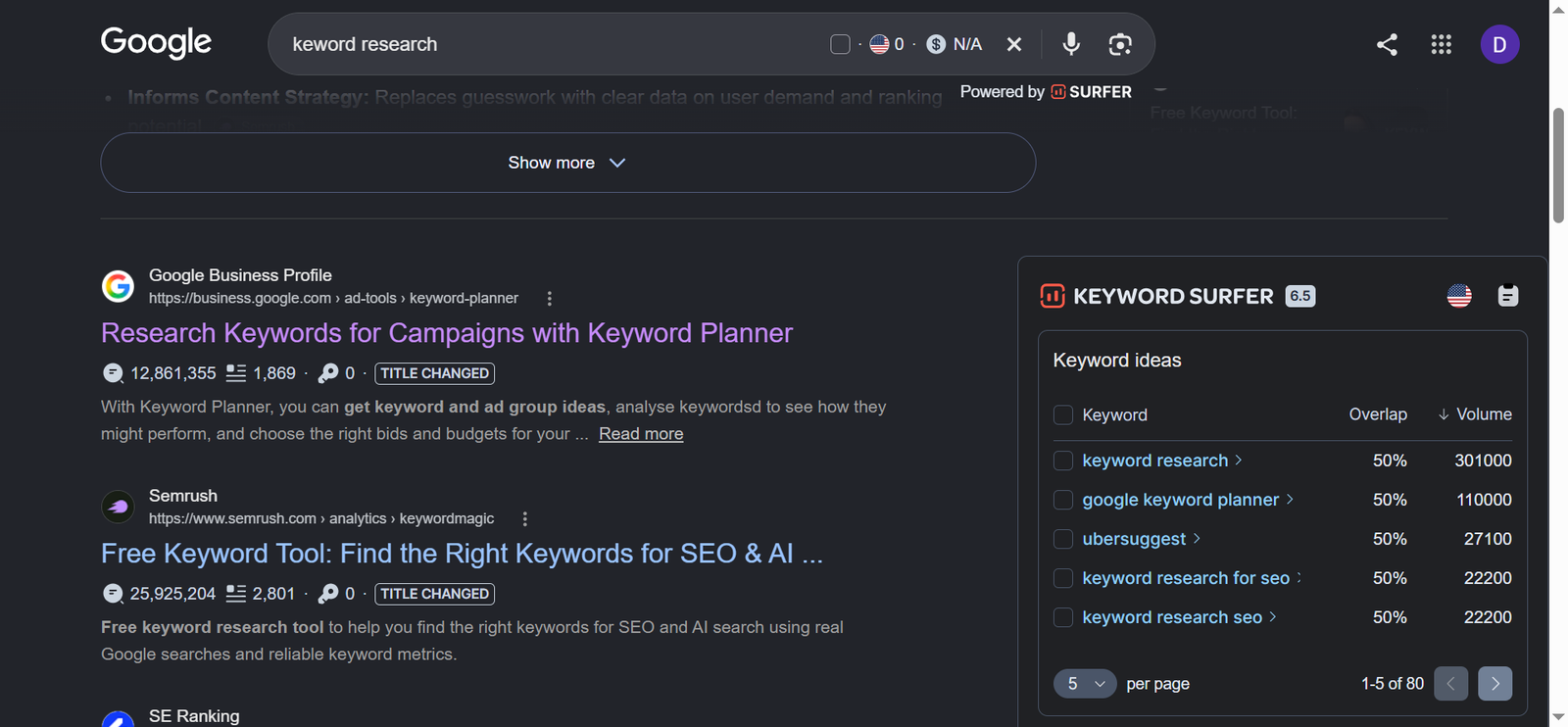
This free Chrome extension shows search volume, CPC, and related keywords directly on the Google results page.
Best for: Keyword Surfer is best for fast, in-the-moment checks while you’re already browsing search results. It suits quick validation more than deep research.
Standout feature: Volume data appears right inside the search results page, so you never have to leave Google or switch tabs to check a number.
Pros: Free, no daily limit, saves time.
Cons: Volume figures are estimates, and it only works in the browser.
Limitations: There’s no competitor content analysis.
Example: While reviewing what ranks for “standing desk,” a blogger sees related terms and volumes in the sidebar and adds two of them to the outline.
HOW GET ME RANK USES IT
It stays active during manual SERP research to save time.
09. Moz Keyword Explorer
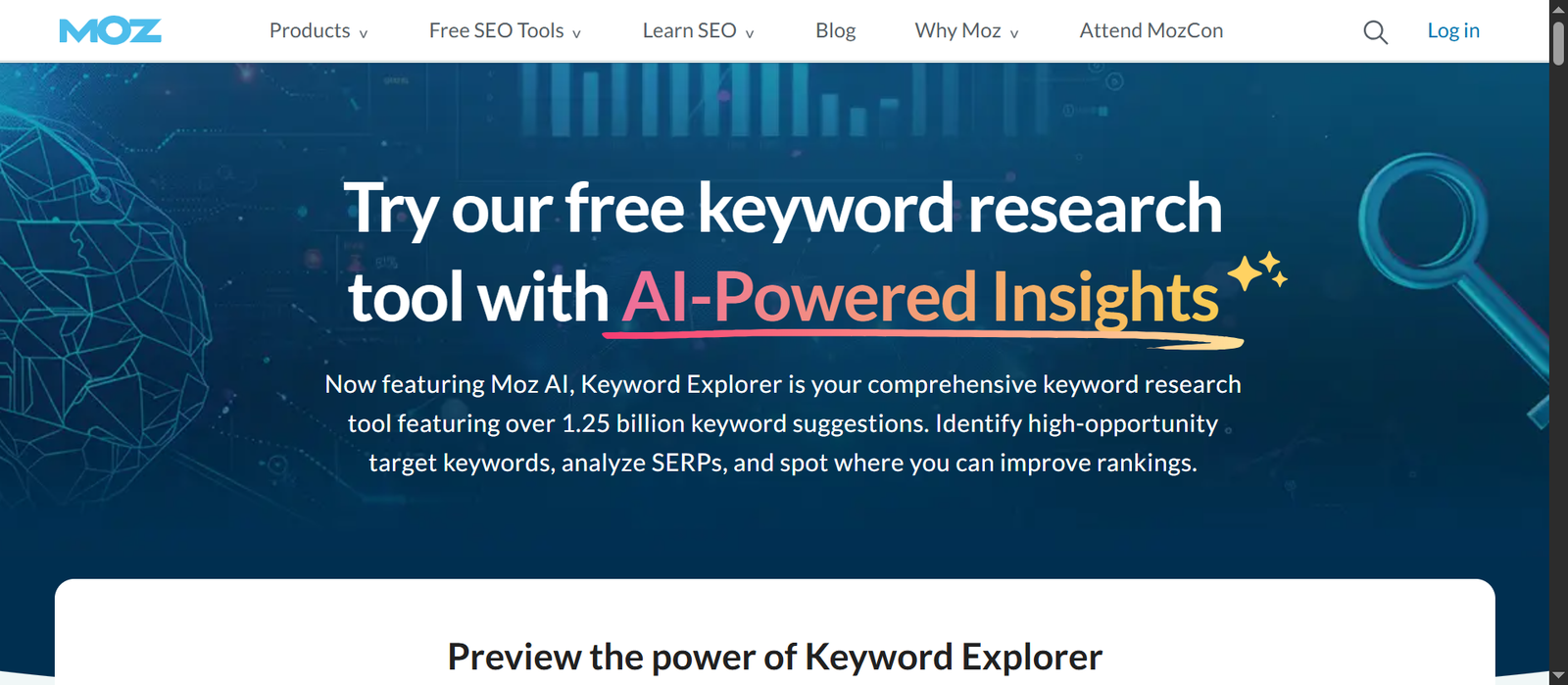
Moz Keyword Explorer offers a free account with a small number of queries each month, returning volume, difficulty, and a priority score.
Best for: Moz is best for deciding which keywords deserve your attention first. It works well as a shortlisting tool once you already have a set of candidates.
Standout feature: Its priority score balances volume, difficulty, and click potential into one number, so you can compare keywords quickly.
Pros: Well-regarded difficulty metric, clear prioritization.
Cons: Requires an account, and the free allowance disappears quickly.
Limitations: The monthly query cap is small, so it suits spot checks better than large projects.
Example: A local bakery compares “custom birthday cakes” with “wedding cake tasting” and picks the one with the better opportunity score.
HOW GET ME RANK USES IT
For shortlisting, after a longer list has already been narrowed down elsewhere.
10. Soovle
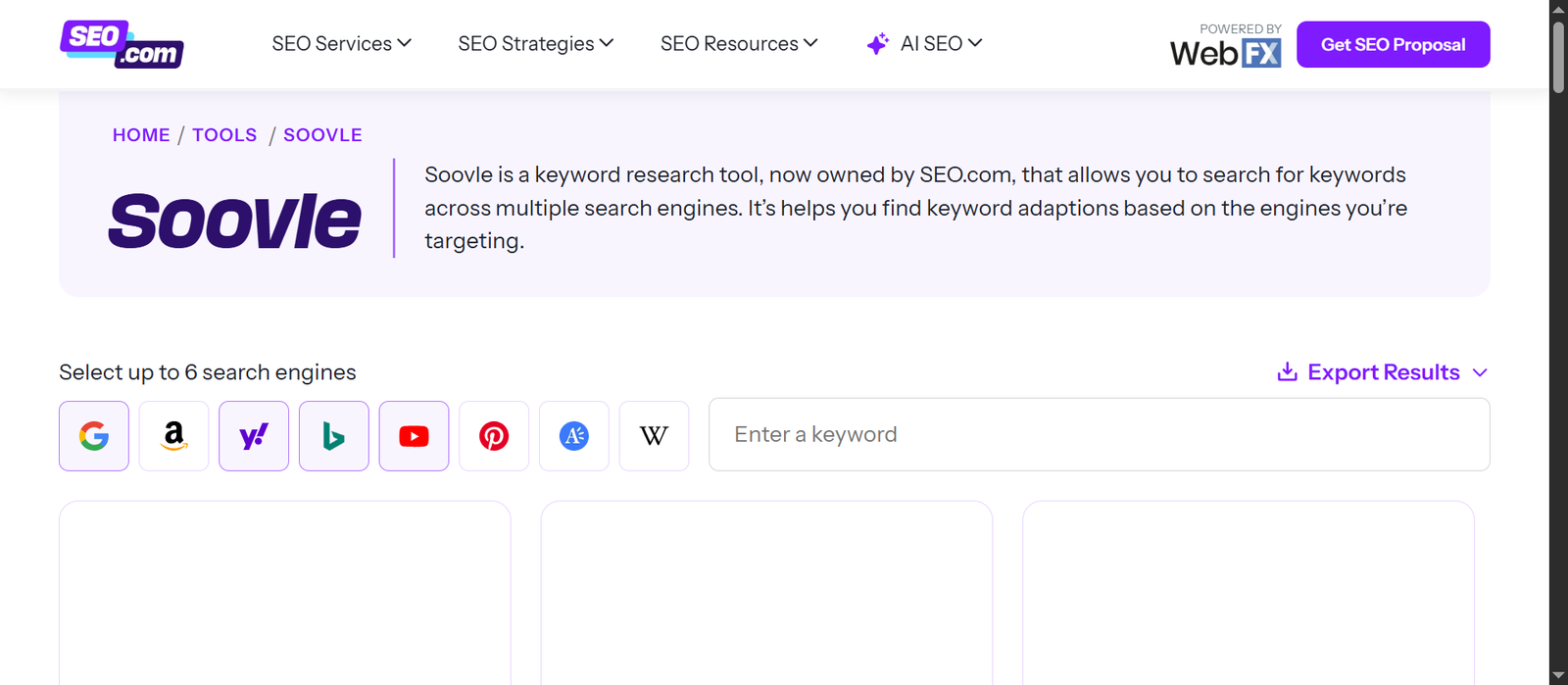
Soovle is a free keyword suggestion tool that shows autocomplete results from several platforms at once, such as Google, YouTube, Amazon, and Bing.
Best for: Soovle is best for brainstorming keyword ideas across platforms in a single search. It’s especially handy when your audience searches on YouTube or Amazon as much as on Google.
Standout feature: Suggestions from multiple search engines appear side by side, which shows how the same topic is phrased on different platforms.
Pros: Free, fast, great for brainstorming beyond Google.
Cons: Minimal interface with no way to judge which ideas are worth targeting.
Limitations: There’s no volume, difficulty, or intent data.
Example: A cookware seller searches “cast iron pan” and sees Amazon and YouTube suggestions that reveal buying and how-to angles Google alone doesn’t show.
HOW GET ME RANK USES IT
For brainstorming when a topic needs ideas beyond Google.
11. KeywordTool.io
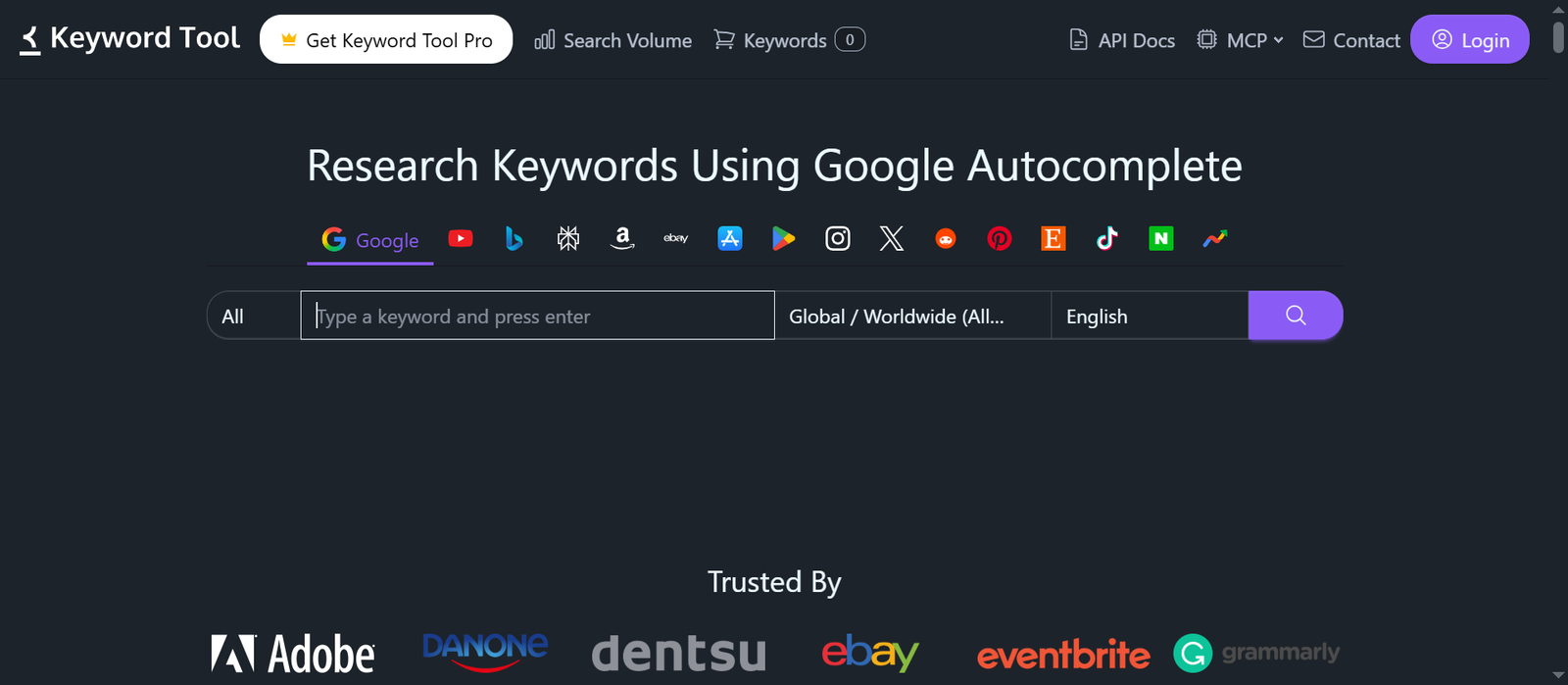
KeywordTool.io’s free version pulls autocomplete suggestions from Google, YouTube, Bing, and Amazon, generating a long list of long-tail phrases without requiring an account.
Best for: KeywordTool.io is best for quickly generating a large volume of long-tail phrasing ideas across multiple platforms, without any signup friction.
Standout feature: It returns a genuinely large batch of suggestions in one search, useful for spotting patterns across many long-tail variations at once.
Pros: No login required for a basic search, fast, covers multiple platforms.
Cons: The free version shows suggestions without search volume or competition data.
Limitations: Volume and trend data are locked behind the paid Pro version.
Example: A pet supply store runs “dog food” through the tool and finds a batch of long-tail variations like “dog food for sensitive stomach” to consider for separate pages.
HOW GET ME RANK USES IT
As a fast supplement to Soovle when a client needs an especially large batch of long-tail phrasing ideas.
12. Wordtracker
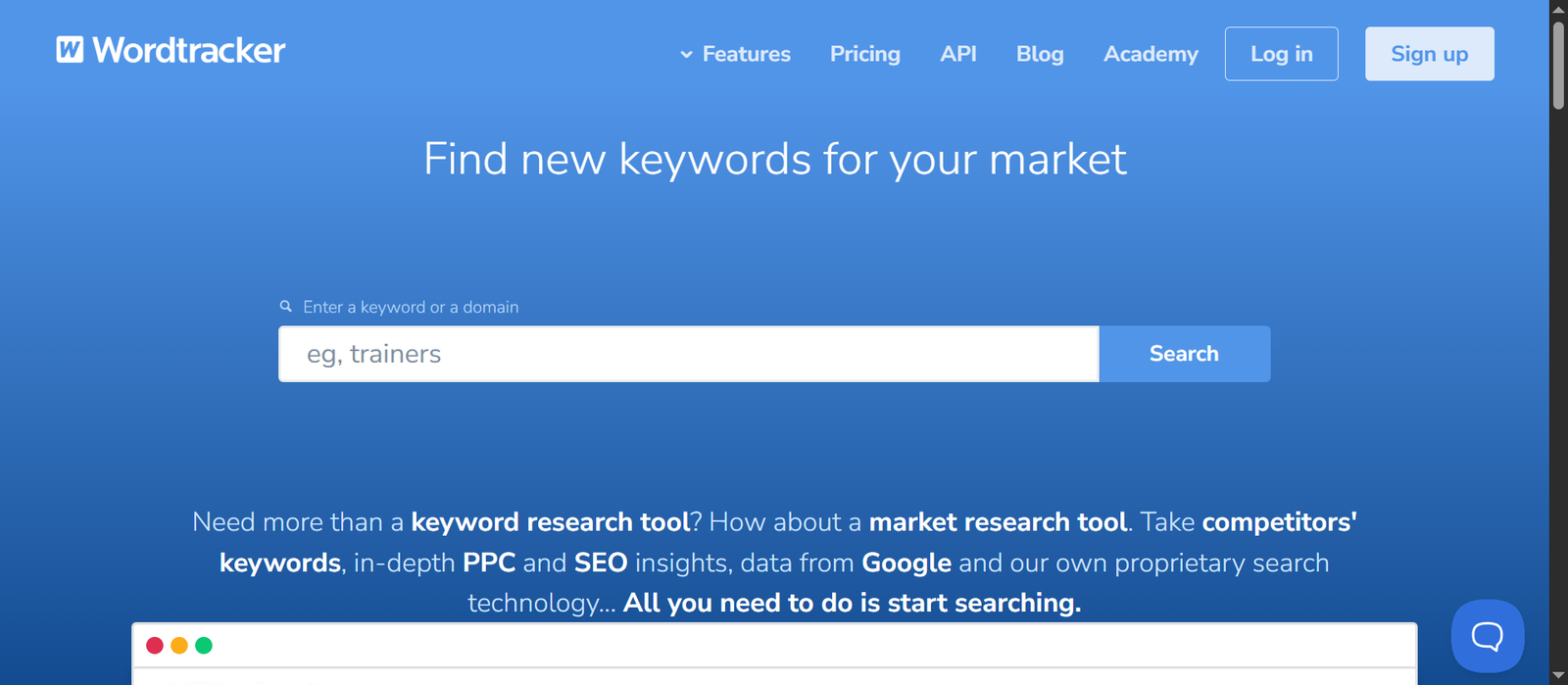
Wordtracker offers a free keyword tool that returns a limited set of keyword suggestions with basic volume estimates, pulled from its own search database rather than Google’s.
Best for: Wordtracker is best as a secondary opinion on keyword ideas and rough volume, since it draws from a different data source than Google-based tools.
Standout feature: Because its estimates come from a separate search data source, it can occasionally surface a useful gut-check against Google-based tools.
Cons: The free version is limited to a small number of results per search, and its volume estimates are considered less precise than Google’s own data.
Limitations: Full access to its keyword database requires a paid subscription.
Example: A niche subscription box service cross-checks its top keyword ideas in Wordtracker after researching them in Keyword Planner, to see whether the volume estimates roughly agree.
HOW GET ME RANK USES IT
As an occasional secondary data point when a client’s numbers from Google-based tools seem unusually high or low.
13. Google Search Console
Search Console shows the queries your site already gets impressions and clicks for, including ones you never deliberately targeted. It sits last on this list not because it’s the least useful, but because it’s the natural final step, applying everything the other thirteen tools helped you plan, then checking how it’s actually performing.
Best for: Search Console is best for finding keywords you’re already close to ranking for. It turns your existing content into a source of quick wins rather than sending you off to research from scratch.
Standout feature: The real performance data is unique to your own site, showing the exact queries, impressions, clicks, and average positions you’re already getting.
Pros: Completely free, accurate to your site, reveals unexpected keyword opportunities.
Cons: Useless until your site has some impressions, and it doesn’t suggest new topics on its own.
Limitations: It only works for a site you own and have verified.
Example: A blog notices it sits at position 11 for “free keyword research,” so it adds a comparison table and a few FAQs to that page and pushes it toward page one.
HOW GET ME RANK USES IT
We review Search Console regularly for “almost ranking” terms in positions 8 through 15, which a small content refresh can often move onto page one.
Quick Comparison
| Tool | Best For | Standout Feature | Limitations |
|---|---|---|---|
| Google Keyword Planner | Validating search demand | Volume straight from Google | No difficulty score, needs Google Ads account |
| Ahrefs Free Keyword Generator | Credible difficulty scoring | Data across Google, YouTube, Amazon, Bing | Capped results, full features need a paid account |
| Semrush Keyword Magic Tool | Building full keyword clusters | Subtopic grouping and intent labels | Strict free search limits |
| SE Ranking | Affordable all-in-one research and tracking | Research paired with rank tracking | No standing free plan, only a 14-day trial |
| Google Trends | Seasonality and trend timing | Multi-term comparison over time | Relative interest only, no volume |
| Ubersuggest | Volume and difficulty together | Simple difficulty score | Daily search cap |
| AlsoAsked | Deep FAQ and question research | Nested, multi-level PAA question trees | Limited free searches, no volume data |
| Keyword Surfer | Fast in-browser checks | Volume shown inside Google results | No competitor analysis |
| Bing Webmaster Tools | A second, independent data source | Real volume and impressions from Bing | Smaller search volume than Google |
| Moz Keyword Explorer | Prioritizing keywords | Priority score | Small monthly query cap |
| Soovle | Cross-platform ideas | Suggestions from multiple engines | No volume or difficulty data |
| KeywordTool.io | Bulk long-tail ideas | Large batch of results, no login | No volume data on the free version |
| Wordtracker | A second opinion on volume | Independent search data source | Small free result cap |
| Google Search Console | Finding near-ranking keywords | Real data from your own site | Only works for verified sites you own |
Which Combination Fits Your Goal?
| Your goal | Try this combination |
|---|---|
| Validate demand for a new topic | Keyword Planner + Ahrefs Free Keyword Generator |
| Get a credible difficulty score without paying | Ahrefs Free Keyword Generator + Semrush free tier |
| Improve an existing site | Google Search Console + Keyword Surfer |
| Plan seasonal content | Google Trends + Keyword Planner |
| Write deep FAQs and long-tail content | AlsoAsked + Soovle + KeywordTool.io |
| Build a full content pillar | Semrush free tier + Moz Keyword Explorer |
| Cross-check Google-based volume data | Bing Webmaster Tools + Wordtracker |
| Trial a full platform before buying | SE Ranking’s 14-day trial |
Common Tool Mistakes
- Trusting rounded search volumes: Free and entry-level tools often show broad ranges or heavily rounded figures, which can make a keyword look far bigger or smaller than it really is. Treat volume as a direction, not a promise.
- Ignoring search intent: A keyword with big volume is worthless if people searching it want something your page doesn’t offer. Check whether searchers are looking to learn, compare, or buy before you commit.
- Chasing impossible difficulty scores: Picking terms that established sites dominate is a fast way to publish content that never ranks. New or small sites do better with specific, lower-competition phrases.
- Relying on a single tool: Every tool has blind spots, so cross-check volume and difficulty across two or three sources, even paid platforms like Ahrefs and Semrush occasionally disagree with each other.
- Reading Google Trends as volume: Trends shows relative interest, not search counts. Pair it with a tool that gives actual numbers.
- Assuming every tool on a “free” list stays free: As SE Ranking shows, some platforms only offer a time-limited trial, not an ongoing free tier, so check before building a workflow around a tool you’ll lose access to.
- Skipping competitor gaps: Even the limited competitor data in free tools can reveal keywords your rivals rank for and you don’t. Ignoring it means missing the easiest wins.
- Saving Search Console for last, or skipping it entirely: Keywords already sitting at the edge of page one are the cheapest to improve, and they’re all sitting in your own data, waiting to be checked.
How Get Me Rank Helps You Get More Out of These Tools
These tools work, but each one shows only part of the picture, and stitching them together consistently across every project is where in-house teams tend to lose time. At Get Me Rank, this combination approach is part of how our SEO services are built for every client: we cross-reference volume from Google’s and Ahrefs’ tools against difficulty and intent data from platforms like Semrush, then validate the list against real Search Console performance once content starts publishing.
Knowing which keywords have demand is only half the equation now. Understanding how your content gets surfaced across both traditional search and AI-generated answers is the other half, and it’s exactly the gap our AI SEO services are designed to close.
Frequently Asked Questions
1. How do you do keyword research for SEO?
Start with a seed keyword, expand it into related ideas using a tool like Keyword Planner or Ahrefs, check search volume and keyword difficulty, match each term to search intent, and group related keywords onto one page. Target terms with real demand that you can realistically rank for.
2. What is the best free keyword research tool?
There isn’t one best tool. Google Keyword Planner gives the most reliable raw volume data, Ahrefs’ free Keyword Generator adds a credible difficulty score, and Semrush’s free tier adds intent labels and clustering. Most effective research combines two or three.
3. Is SE Ranking actually free?
SE Ranking only offers a 14-day free trial, not an ongoing free plan, which sets it apart from Keyword Planner, Ahrefs’ Keyword Generator, and Semrush’s free tier.
4. What’s the difference between AlsoAsked and AnswerThePublic-style tools?
AlsoAsked focuses specifically on Google’s “People Also Ask” data, mapping multi-level follow-up questions into a tree diagram, while broader tools cover a wider mix of who, what, why, and how phrasing without going as deep into follow-up questions.
5. Can you do keyword research without paying for a tool?
Yes. Google’s free tools, plus the free tiers of Ahrefs, Semrush, Ubersuggest, Moz, and AlsoAsked, cover most of what a paid plan offers. The trade-off is daily or monthly search limits, so it takes more time.
6. Are free keyword research tools accurate?
They’re generally reliable for spotting real demand, but exact numbers vary between tools. Free tiers often show ranges or estimates, so check a keyword in two sources before committing.
7. What’s the difference between Google Keyword Planner and Google Search Console?
Keyword Planner helps you discover new keyword ideas and estimated volume for topics you haven’t targeted yet. Search Console shows real performance data for keywords your site already gets impressions for, which is why it works best as a final step rather than a starting point.
8. Which is better for keyword research, Ahrefs or Semrush?
Both offer credible free and paid keyword tools, Ahrefs is often considered stronger for difficulty scoring and backlink-driven research, while Semrush is often considered stronger for keyword clustering and intent labeling, so many SEOs use both.
Conclusion
Keyword research tools have become genuinely capable across every price point, from Google’s own free data to the entry-level tiers of platforms like Ahrefs, Semrush, and SE Ranking. The real skill in keyword research for SEO isn’t finding one perfect tool. It’s knowing which of these fourteen to reach for at each stage, starting with demand validation and ending with Search Console’s real performance data, rather than expecting any single option to cover volume, difficulty, and intent on its own.