Paid Advertising
Key Takeaways
- The Facebook Ad Library shows every active ad from any Page, searchable by name or keyword, across all six Meta platforms.
- Ad longevity and impression range are the best public performance signals you’ll get on commercial ads – Meta doesn’t publish CTR or conversion data.
- Spend and reach data only appear for political and social-issue ads, not regular commercial ads.
- It’s a research tool, not an analytics dashboard – use it to find ideas and patterns, not exact numbers.
Introduction
You open Instagram and the same competitor ad shows up again — third time this week. That’s not luck. It means the ad is converting well enough that the brand hasn’t paused it. The Facebook Ad Library is how you confirm that, and how you see every other ad the same brand is running right now — without spending a rupee to find out.
Some people search for this tool as the Facebook Ads Library, others just type Ad Library, FB Library, or even Facebook Library — all of these point to the same place: Meta’s public archive of every ad running across its platforms.
Quick answerThe Facebook Ad Library is Meta’s free, public tool that lets anyone search and view every active (and many inactive) ad running on Facebook, Instagram, Messenger, Audience Network, Threads, and WhatsApp – no login or ad account required.
What Is the Facebook Ad Library?
The Facebook Ad Library (officially the Meta Ad Library) is a free, public database where anyone can search and view active ads — and many inactive ones — from any Page across Facebook, Instagram, Messenger, Audience Network, Threads, and WhatsApp.
Meta launched it in 2018 as a transparency tool for political and social-issue ads, then expanded it in 2019 to cover every commercial advertiser on its platforms. That expansion is what turned a compliance feature into one of the most useful free competitive-research tools available to marketers today.
The core idea is simple: if a brand is running an ad publicly, anyone should be able to see it — not just the people the algorithm chose to target. That’s the real value here. Your own feed only shows you a narrow, personalised slice of a competitor’s ads. The Facebook Ad Library shows you their entire active set.
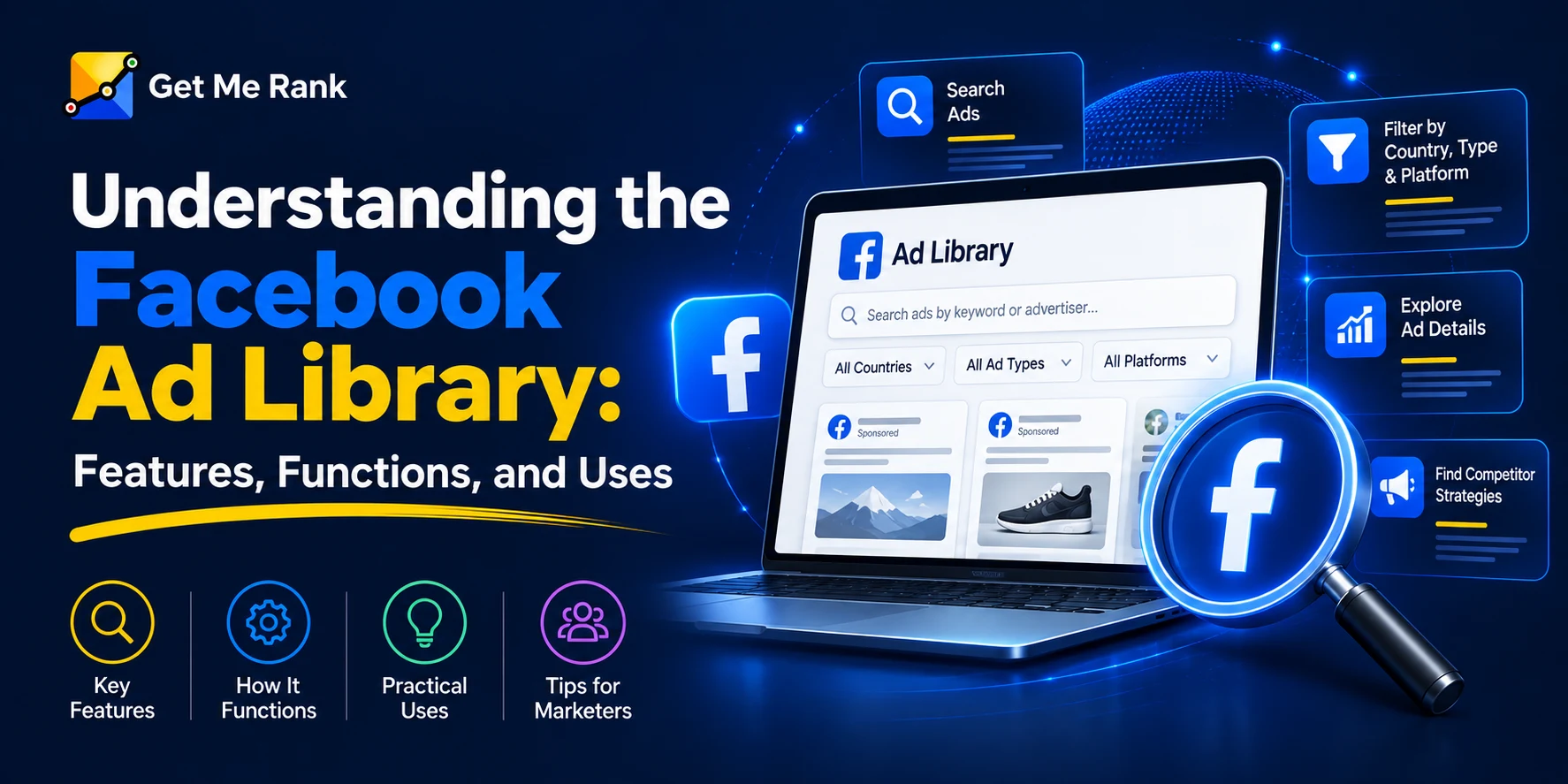
Understanding the Facebook Ad Library: Features, Functions, and Uses
Pro tipYou can start searching in seconds – nothing to sign up for, nothing to install. Go straight to facebook.com/ads/library.
How to Use the Facebook Ad Library (Step by Step)
Using the Ad Library takes less than two minutes once you know where to look.
- Go to the Ad Library directly at facebook.com/ads/library — it’s fully public, no Facebook account needed.
- Choose a category. Pick “All Ads” for standard commercial research, or “Issues, Elections, or Politics” if you need spend-disclosure data.
- Set your country. Results and available data change by region, so this step matters more than people assume.
- Search a Page name or a keyword. A brand name (like “Nike”) pulls every ad from that exact Page. A keyword (like “running shoes”) pulls ads from multiple advertisers using that phrase — useful when you don’t have a competitor shortlist yet.
- Filter your results. Narrow by platform (Facebook, Instagram, Messenger, Audience Network), language, media type (image, video, or both), and active/inactive status.
- Open individual ads. Each result shows the creative, exact start date, and an impression range — plus a spend range for political or issue ads.
HighlightOne step most people skip: checking inactive ads. Active ads tell you what’s working right now. Inactive ones tell you what a brand tried and killed within days — which is just as useful, because it tells you what NOT to copy.
What You Can (and Can’t) See in the Ad Library
| Data point | Available? |
|---|---|
| Ad creative (image / video / copy) | ✓ Yes |
| Ad start date | ✓ Yes |
| Impression range | ✓ Yes |
| Platform (FB, IG, Messenger, etc.) | ✓ Yes |
| Advertiser total spend (political / issue ads) | Yes – not shown for regular commercial ads |
| Exact spend per ad (commercial) | ✗ No – only for political / issue ads |
| Click-through rate | ✗ No |
| Conversion rate / ROAS | ✗ No |
| Audience targeting details | ✗ No |
The key thing to understandThe Facebook Ads Library is a research tool, not an analytics dashboard. You get strong directional signals — how long an ad has survived, how it’s evolved, how often a brand refreshes creative – but no performance numbers. Ad longevity and impression range are the closest thing to a public performance signal Meta gives you.
How Smart Marketers Actually Use the Ad Library?
Browsing randomly gets you nothing. A repeatable process gets you real insight:
- Start with direct competitors’ Page names, not broad keywords, to get a clean, complete picture of what they’re running.
- Sort by age. An ad that’s been live for six weeks has survived Meta’s algorithm long enough that it’s probably working.
- Watch for format shifts. If a competitor moves from static images to short video across most of their live ads, that’s a signal worth reacting to.
- Log repeated offers and hooks. The same discount or headline pattern across multiple ads usually means it’s already been tested — and it wins.
- Compare 3–5 competitors together, not just one. A single brand’s choice could be a one-off test; the same pattern across a category is a trend.
None of this replaces your own testing. What it does is cut out the “what should we even try first” guesswork — you start from ideas that have already survived a live audience.
Facebook Ad Library vs. Facebook Ads Manager
People mix these two up constantly, but they do opposite jobs.
| Facebook Ad Library | Facebook Ads Manager | |
|---|---|---|
| Access | Public, no login | Requires your own ad account |
| Purpose | View any brand’s ads | Build and run your own campaigns |
| Who can use it | Anyone | Only the advertiser running the ads |
| Data shown | Creative, dates, impression range, spend total | Full metrics: CTR, CPC, conversions, audience data |
In one lineOne tool lets you watch what everyone else in the market is doing; the other is where you actually build and run your own campaigns.
Limitations to Keep in Mind
- No conversion or CTR data for regular commercial ads.
- Targeting details (age, interests, lookalikes) stay completely hidden.
- Smaller or very new advertisers sometimes show thin results.
- Bulk research through the Ad Library API is mostly limited to political / issue ads outside the EU and UK, and setup is a developer task, not a quick search.
RememberTreat everything you find here as a starting hypothesis, not a finished answer — you still need to run it through your own campaigns to know if it actually works for your audience.
Final Thoughts
The Facebook Ad Library won’t hand you a competitor’s exact conversion rate or tell you who they’re targeting — but it will show you, for free, exactly what they’ve decided is worth keeping live. That’s more signal than most marketers ever bother to collect.
Make it a five-minute weekly habit to check your top three competitors in the Ad Library, and you’ll start spotting creative and messaging shifts before anyone else in your category does.
Turn competitor signals into campaigns
Let Get Me Rank run your Meta Ads
We track your competitors in the Ad Library, turn winning patterns into tested creative, and manage your campaigns end-to-end. Book a free Meta Ads review.
Frequently Asked Questions
Is the Facebook Ad Library free?
Yes, completely free, and you don’t need a Facebook account to use it.
Can I see how much a competitor is spending?
Only for political and social-issue ads – Meta shows a spend range and reach estimate for those. Regular commercial advertisers don’t get any spend figure disclosed, on individual ads or as a total; you only see the creative, start date, and impression range.
Does it cover Instagram, or just Facebook?
Both, plus Messenger, Audience Network, Threads, and WhatsApp — all six platforms show up in a single search.
Is “Facebook Library” the same as “Facebook Ad Library”?
Yes. People search for this tool under a few different names and spellings, and they all lead to the same Meta tool – you’ll land in the right place regardless of which version you type in.
How long do old ads stay visible after a brand pulls them?
Inactive ads typically remain searchable for a while after they stop running, which is exactly what makes them useful for spotting what a competitor tried and abandoned.