Digital Strategy
Key Takeaways
- Google still processes the majority of searches globally (around 89–90% of all queries), but AI-powered search engines now handle an estimated 15–20% of purely informational queries — and that share is growing every quarter.
- There’s no single “best” AI search engine. Perplexity leads on citations, ChatGPT Search wins on connected research-to-output workflows, Google AI Mode wins on index breadth, Claude wins on long-document reasoning, and Consensus wins specifically for peer-reviewed academic evidence.
- AI search tools and traditional search engines solve different problems. One finds you websites; the other synthesizes an answer from them. Most power users now run both, not one or the other.
- Pricing isn’t the only differentiator. Real-time web access, citation transparency, and how each tool handles follow-up questions matter more for day-to-day usability than the monthly fee.
- If you create content for a living, “ranking” now includes AI search engines, not just Google’s blue links — and the rules for getting cited there are different from classic SEO.
An AI search engine, in one sentence
An AI search engine uses a large language model to read live web content and hand you a direct, sourced answer instead of a list of links to click through yourself — trading the “you do the digging” model of Google for a “the tool does the digging” model.
That’s the short version. Here’s everything worth knowing before you pick one.
What Is an AI Search Engine & How Does It Actually Work?
An AI search engine isn’t a chatbot with a search bar bolted on — even though a lot of them started that way. It’s a system built around a technique called Retrieval-Augmented Generation (RAG): instead of relying purely on what a language model memorized during training, the tool goes out, retrieves current information from the web (or a proprietary index), and feeds that fresh content back into the model before it writes an answer.
That distinction matters because it’s the difference between a model guessing based on old training data and a model reading something in real time and reporting back on it.
The 3-step process behind every AI search answer
- Retrieve — The query gets broken down into intent, and the system pulls relevant, current pages, documents, or database entries related to it.
- Reason — The model reads what it retrieved, cross-references it, and decides which parts are actually relevant to what you asked.
- Respond — It writes a plain-language answer, usually with inline citations, so you can verify the claim instead of taking it on faith.
Traditional search skips straight to a ranked list and leaves steps 2 and 3 to you. That’s the entire philosophical difference between the two models of search, and it’s why the tools behave so differently in practice.
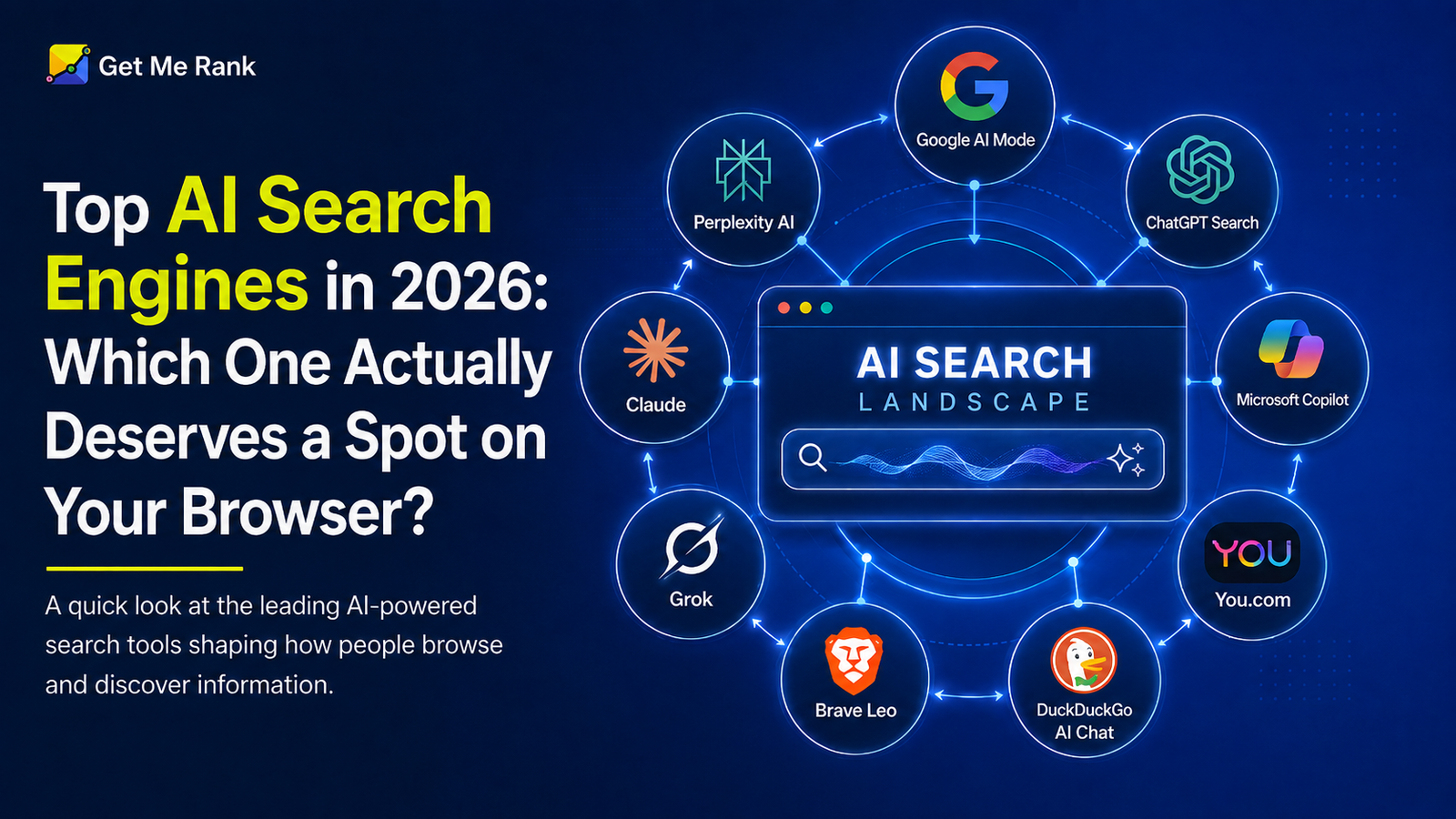
Best AI Search Engines in 2026: Which One Actually Deserves a Spot on Your Browser?
Do You Actually Need an AI Search Engine? (Define Your Use Case First)
Before comparing tools, it’s worth being honest about what problem you’re solving. AI search engines are genuinely useful, but not for everything — and picking one because it’s trending, rather than because it fits your workflow, is the fastest way to end up frustrated.
They tend to help most when you’re:
- Researching something unfamiliar and want a synthesized starting point instead of ten open tabs
- Comparing options — software, vendors, strategies — where you want pros, cons, and a recommendation in one pass
- Working through a long document and need it summarized, questioned, or cross-checked
- Fact-checking a claim and want to see exactly where the supporting information came from
They tend to help less when you’re:
- Shopping and need to actually see live prices, stock, and product photos
- Searching for a specific local business, hours, or directions
- Looking for something highly current (breaking news in the last few minutes) where indexing lag matters
If your task falls in the first bucket, an AI search engine will likely save you real time. If it falls in the second, a traditional search engine (or the AI tool’s hybrid mode, like Google AI Mode) is still the faster path.
How We Evaluated Every AI Search Tool on This List
Every tool below was assessed against the same six criteria, so the comparisons are apples-to-apples rather than vibes-based:
| Criteria | What we checked |
| Answer accuracy & citation quality | Does it cite real, working sources — and are the citations actually correct? |
| Real-time web access | Does it pull live data, or lean on a static training index? |
| Formatting & readability | Tables, structure, and how easy the answer is to scan |
| Privacy posture | Does it track queries, build a profile, or store history? |
| Pricing & free-tier value | What’s genuinely usable for free, and is the paid tier worth it? |
| Follow-up handling | Can it hold context across a multi-turn conversation without losing the thread? |
No tool wins on all six. That’s the whole point of the comparison below.
Best AI Search Engines at a Glance : 2026 Guide
| AI Search Engine | Best For | Free Version | Starting Price | Real-Time Web | Good Alternative To |
| Google AI Mode | Everyday search + broad index | Yes | $19.99/mo (AI Pro) | Yes | Microsoft Copilot Search |
| Perplexity AI | Cited, verifiable research | Yes (limited Pro searches) | $20/mo | Yes | Kagi, You.com Research mode |
| ChatGPT Search | Research + writing in one flow | Yes (limited) | $8–$20/mo | Yes | Claude, Google Gemini |
| Claude | Long documents, nuanced reasoning | Yes | $20/mo for Pro and $100–$200/mo for Max | Yes | Google Gemini Pro |
| Microsoft Copilot | Microsoft 365 workflows | Yes | $19.99/mo (M365) | Yes | Google AI Mode, Gemini in Workspace |
| Grok | Large, transparent source lists | Yes (limited) | Included with X Premium | Yes | Perplexity AI |
| You.com | Multi-agent, task-based search | Yes | Varies | Yes | ChatGPT Search (with plugins/GPTs) |
| Brave Leo | Free, privacy-first AI search | Yes | Free / $14.99/ mo | Yes (own index) | Kagi, DuckDuckGo AI Chat |
| DuckDuckGo AI Chat | Anonymous, zero-setup answers | Yes | Free | Yes | Brave Leo |
| Phind | Developer/code-specific search | Yes | Paid tier available | Yes | GitHub Copilot Chat, Cursor’s AI search |
| Consensus | Peer-reviewed academic evidence | Yes | $20/mo (Premium) | Yes (own index) | Google Scholar, Elicit, Perplexity’s academic focus mode |
The 11 Best AI Search Engines, Reviewed
1. Google AI Mode — Best for everyday search without switching tools
Snapshot: Google Search rebuilt around conversation, layered on top of the largest web index that exists.
Google AI Mode isn’t a separate product so much as an evolution of the search bar you already use. This AI powered search engine lets you ask a full question instead of a keyword string, then keeps the conversation going without losing context — while still sitting on top of Google’s unmatched index for local results, shopping, and niche queries.
Pros:
- Widest index breadth of any tool on this list — nothing else comes close for local or shopping searches
- Conversational follow-ups without leaving the familiar Google interface
- Free tier is genuinely capable, not a stripped-down demo
Cons:
- Runs on the same ad-supported ecosystem, so your queries still feed a behavioral profile
- Less depth than dedicated research tools for multi-step, citation-heavy tasks
Rating: 4.3/5 — Best default choice if you’re not ready to leave Google entirely.
2. Perplexity AI — Best for research you need to verify
Snapshot: The AI search engine built around one core promise — show your work.
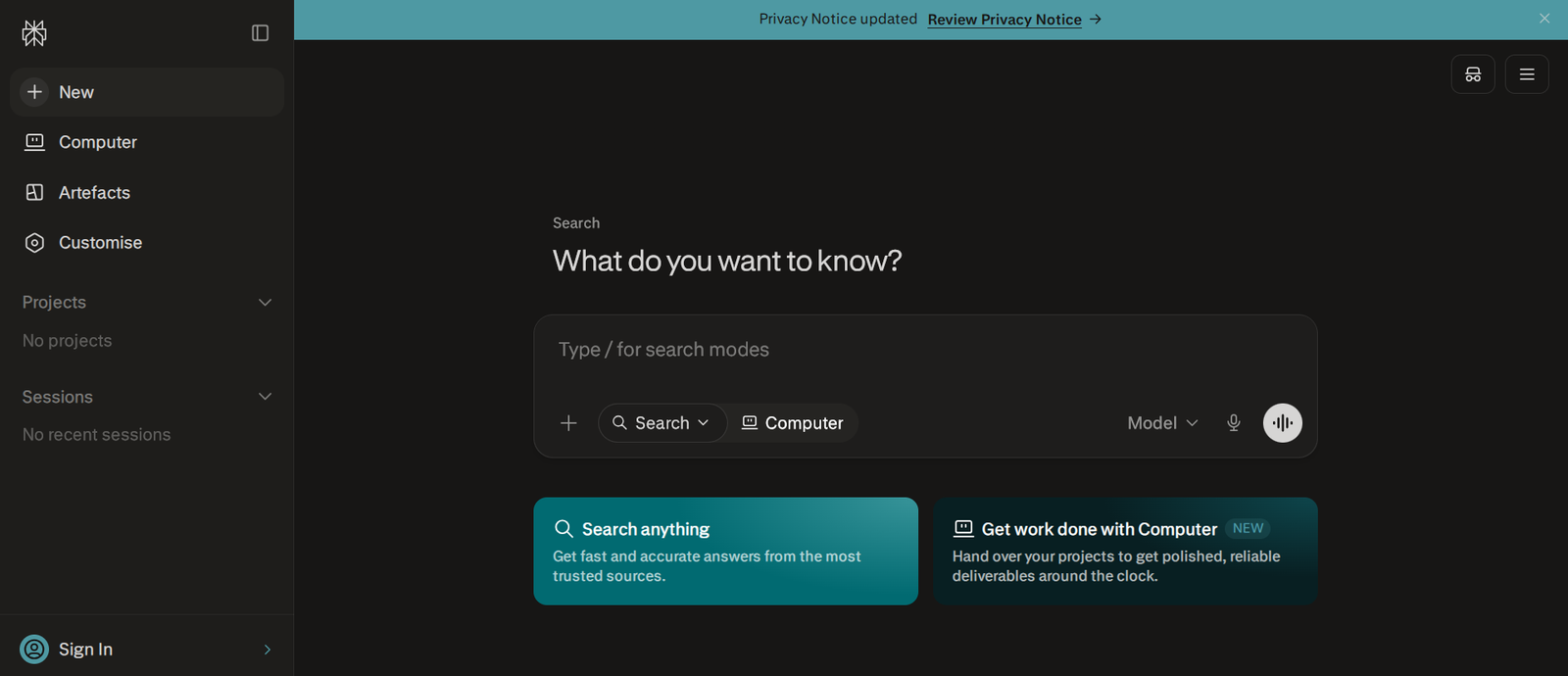
Perplexity treats citations as the product, not an afterthought. Every claim in its answers links to a numbered source you can click through and check yourself, which is precisely why it’s become the most-recommended tool for fact-checking and academic-style research.
Pros:
- Inline, numbered citations on nearly every claim
- “Focus modes” let you restrict a search to academic papers, Reddit, or news specifically
- Follow-up threading holds context well across a research session
Cons:
- Free tier caps deeper “Pro” searches at a small daily number
- Not built for long-form writing, image generation, or code execution — it’s a search tool, not an assistant
Rating: 4.6/5 — The strongest pick when accuracy and source transparency matter more than anything else.
3. ChatGPT Search — Best for going from research to output
Snapshot: Search that flows directly into writing, without switching tools.

What separates ChatGPT Search from a pure research tool is continuity: when you start searching with AI, ask it to look something up, then ask it to turn that research into a report, and it uses what it just found. That connected workflow — search, then do something with the information — is where it consistently pulls ahead of single-purpose search tools.
Pros:
- Seamlessly threads live search results into writing, coding, or analysis tasks
- Reasoning models add real depth on technical or multi-step questions
- Massive user base means fast iteration and frequent feature updates
Cons:
- Citation granularity is looser than Perplexity’s — sources are cited, but less precisely
- Locks you into OpenAI’s ecosystem for follow-up work
Rating: 4.4/5 — Best when the goal isn’t just finding information, but producing something with it.
4. Claude — Best for long documents and careful reasoning
Snapshot: Built for depth over speed — the tool you reach for when being right matters more than being fast.
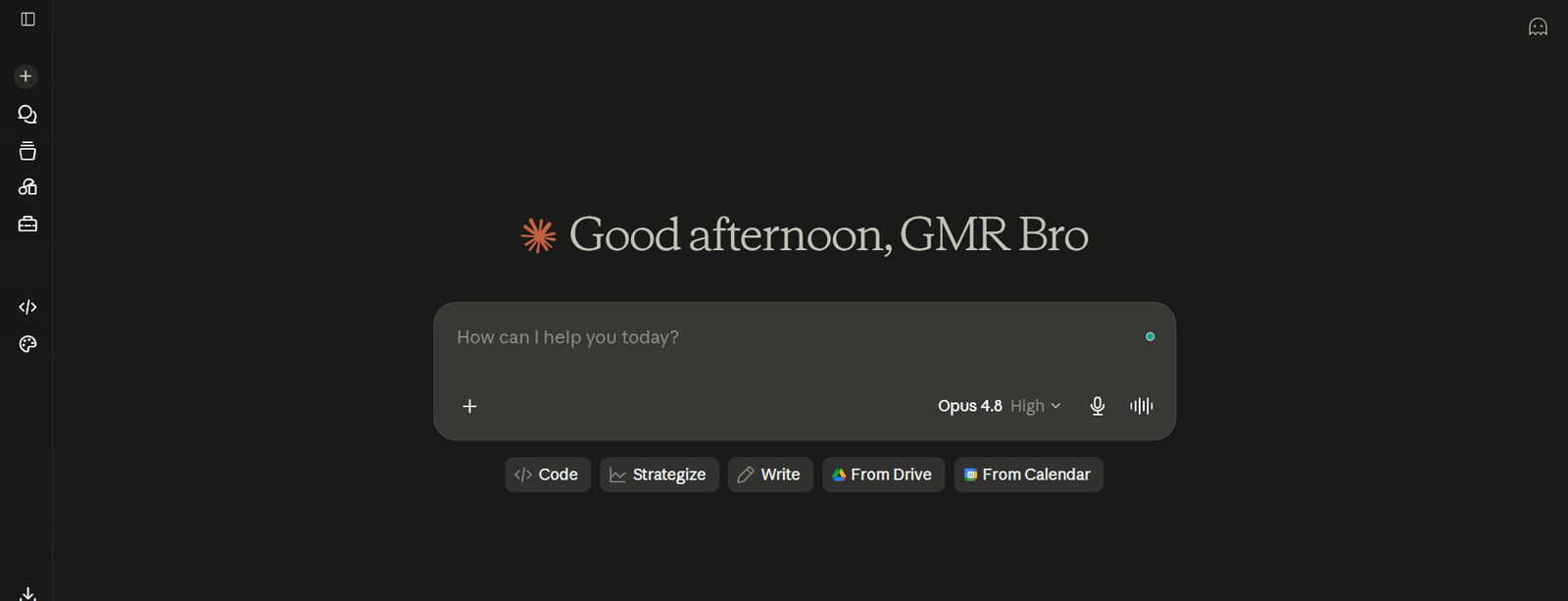
Claude’s web search is a genuine capability, known as one of the best AI search engines, but its real strength shows up on complex material: long contracts, research papers, or multi-part technical questions where a fast, shallow answer isn’t good enough. As a best AI powered Search Engine, its large context window lets you drop in entire documents and interrogate them directly.
Pros:
- Handles long-document analysis and nuanced, structured reasoning exceptionally well
- Tends to flag uncertainty rather than confidently guessing
- Strong writing quality for combined research-and-output workflows
Cons:
- Web search is a secondary strength, not the core design focus
- Interface and formatting preferences are more of a personal-taste factor here
Rating: 4.7/5 — The right call when your task is “think carefully,” not “answer fast.”
5. Microsoft Copilot — Best for Microsoft 365 teams
Snapshot: AI search embedded directly into the tools millions of people already work in daily.
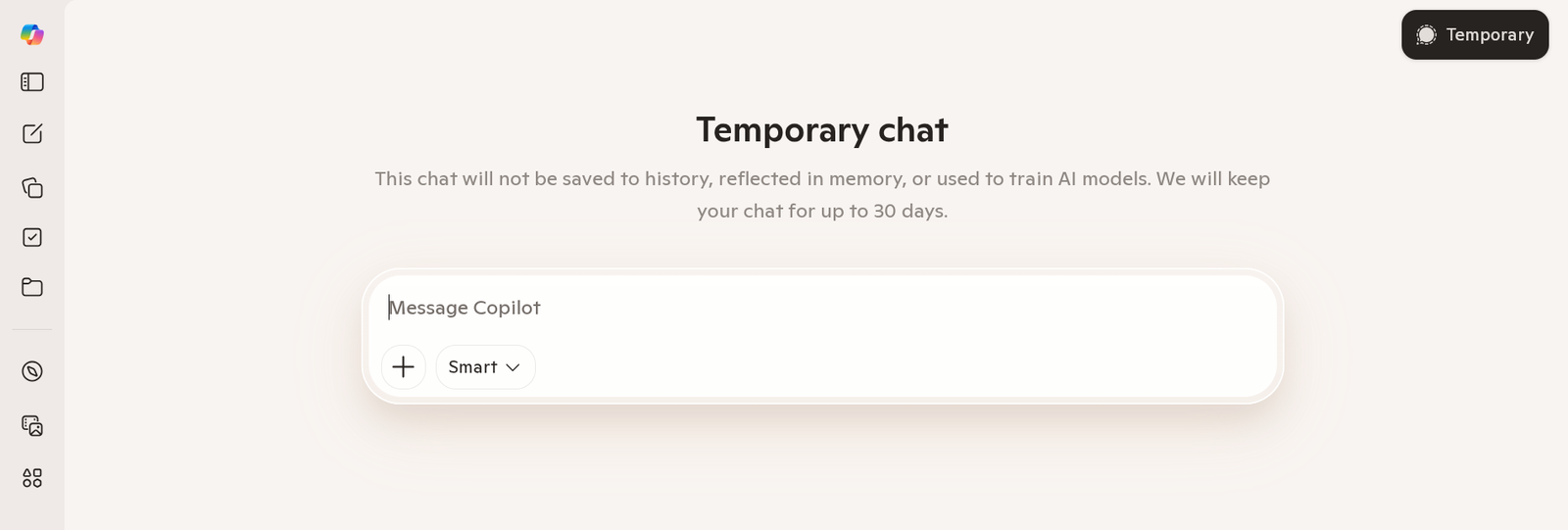
Copilot’s search engine AI advantage isn’t raw search quality — it’s proximity. Inside Word, it can research and draft in the same motion. Inside Teams, it can search meeting transcripts and the open web in a single query. For organizations already running on Microsoft 365, that embedded convenience outweighs marginal gaps in citation depth.
Pros:
- Deep integration across Word, Excel, Teams, and Outlook
- Clean, well-structured formatting that’s easy to scan
- Free tier available through Bing and Edge with no subscription required
Cons:
- As a standalone search tool, citation granularity lags behind Perplexity and ChatGPT
- Limited appeal if you’re not already inside Microsoft’s ecosystem
Rating: 4.0/5 — A practical, not flashy, choice for enterprise and Microsoft-native workflows.
6. Grok — Best for large, transparent source lists
Snapshot: Pulls from an unusually large number of sources and shows its work in the process.

Known as one of the best AI powered search engine. Grok’s comparison tables and source counts are genuinely strong — it frequently cites more sources per answer than any other tool on this list, which is valuable when you want breadth over a single synthesized opinion.
Pros:
- Large, visible source lists per answer
- Strong at structured comparison tables
- Deep integration with real-time X/Twitter conversation data
Cons:
- Occasionally nudges toward specific providers or products in its recommendations
- Less mature as a standalone research tool compared to Perplexity
Rating: 3.9/5 — Worth a look if source volume matters more than source curation.
7. You.com — Best for multi-step, agentic workflows
Snapshot: Search as the starting point of a task, not the end of one.
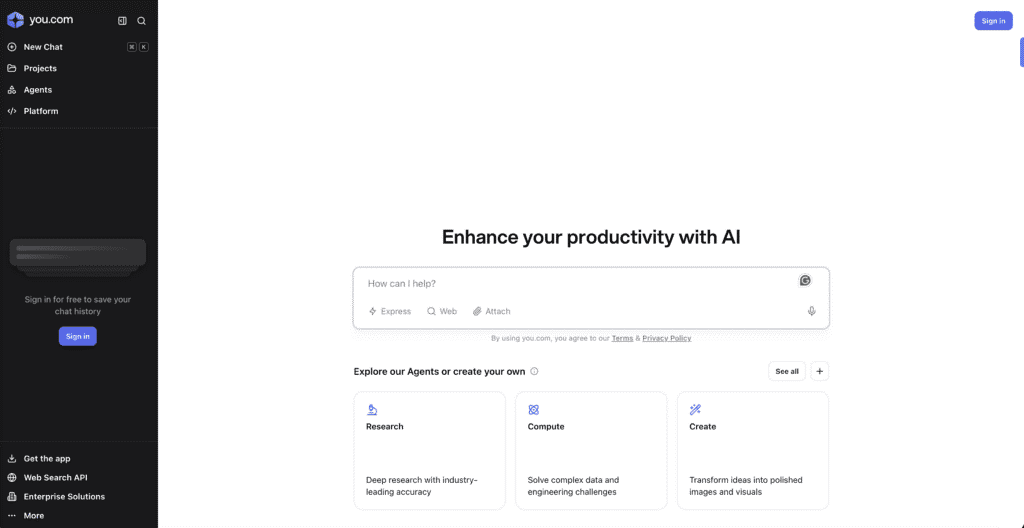
Rather than one synthesized answer, searching with AI -You.com routes your query through specialized agents — research, writing, code execution, image generation — inside the same session. That’s genuinely useful for anyone whose work moves from “find this” to “now build something with it” without wanting to juggle five separate tools.
Pros:
- Genuinely useful breadth: research, writing, and code in one workspace
- Configurable to prioritize specific agents for repeat workflows
- Functional free tier for evaluating before committing
Cons:
- Jack-of-all-trades tradeoff — less precise than dedicated tools for any single task
- Full URL lists are sometimes incomplete on request
Rating: 3.8/5 — Best for people who want one tab instead of five.
8. Brave Leo — Best free, privacy-first AI search
Snapshot: The only major AI search layer built on a fully independent web index.

Nearly every “alternative” search engine ultimately borrows Google’s or Bing’s index. Brave, an AI based search engine doesn’t — it crawls and ranks independently, and Leo (its built-in AI assistant) adds conversational answers on top without building a behavioral profile of you in the process.
Pros:
- Fully independent index — not a repackaged version of someone else’s data
- No tracking, no cookies, no advertiser profile
- AI answer layer is free, unlike most privacy-first competitors
Cons:
- Smaller index affects result depth on very niche or specific queries
- Leo’s reasoning is solid but not as deep as Perplexity or ChatGPT for complex research
Rating: 4.1/5 — The strongest option if leaving the ad-tracking ecosystem entirely is the priority.
9. DuckDuckGo AI Chat — Best for zero-setup anonymous answers
Snapshot: No account, no history, no profile — just a question and an answer.
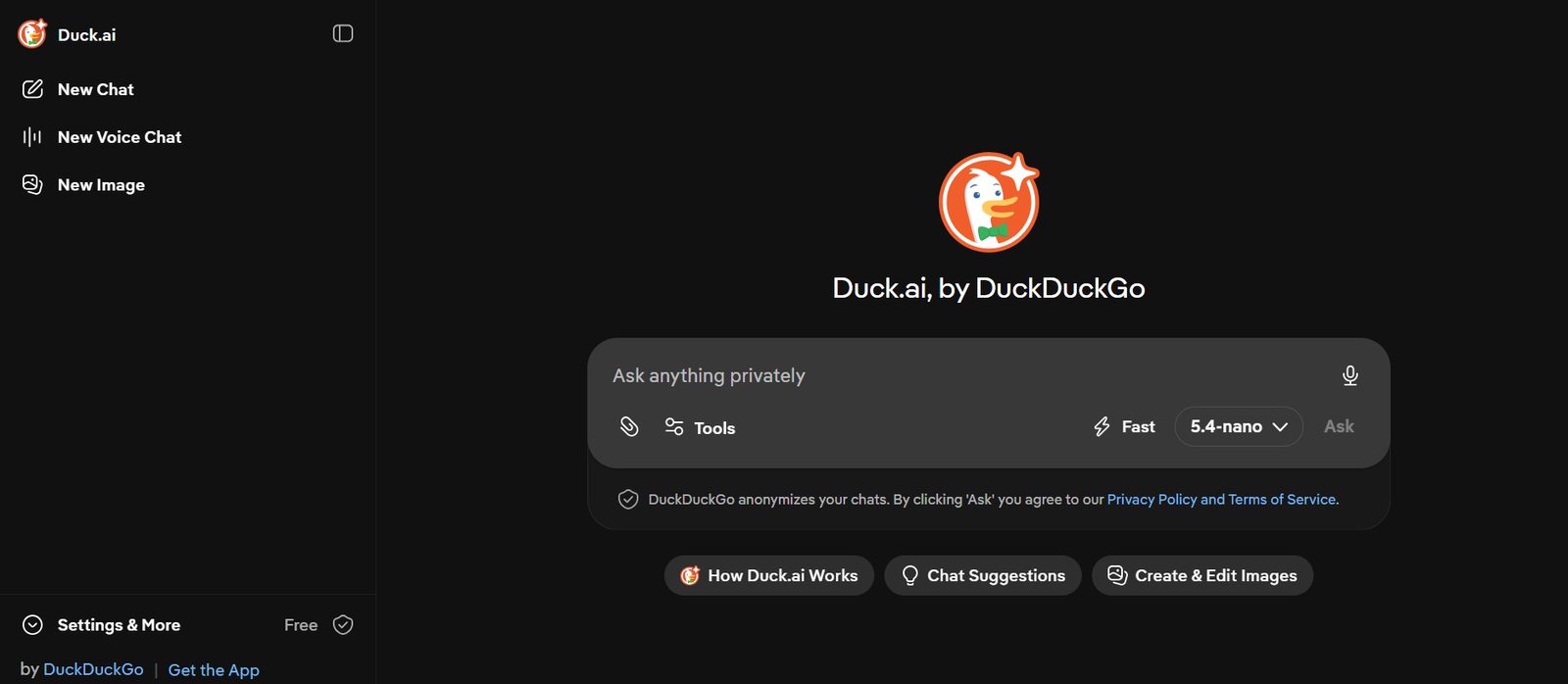
This search engine AI known as DuckDuckGo AI Chat, routes your query through an anonymizing relay to multiple underlying models, without logging IP addresses or storing conversation history. It’s the lowest-friction way to get an AI-synthesized answer with no data trail whatsoever.
Pros:
- No account or setup required — open it and ask
- Multiple model options available through one anonymous interface
- Zero query logging by design
Cons:
- Best suited to quick factual questions, not deep multi-step research
- Still depends partly on external indexes (including Bing) behind the scenes
Rating: 3.9/5 — The right tool for fast answers when you don’t want to leave a trace.
10. Phind — Best for developers
Snapshot: The only tool on this list purpose-built around code, not general knowledge.
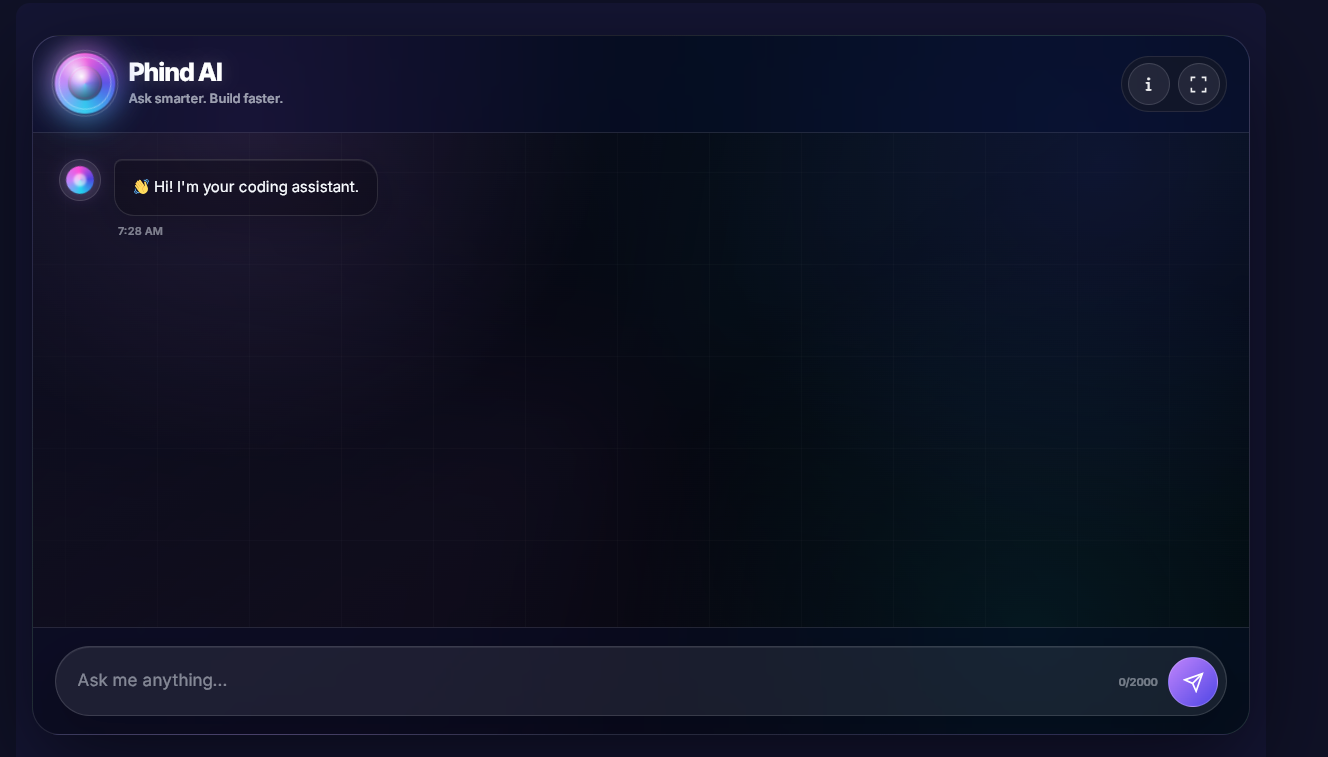
Another search engine AI is Phind, that treats a programming question differently from a general one — it understands syntax, framework versions, and common implementation patterns, and its VS Code extension lets engineers search without leaving their editor.
Pros:
- Purpose-built for technical, code-aware queries
- Editor integration reduces context-switching during debugging
- Consistently precise on documentation lookups and multi-language code explanations
Cons:
- Value drops sharply outside technical use cases
- Narrower general-knowledge base than broader tools
Rating: 4.2/5 (for developers specifically) — Earns a permanent tab if you write code for a living.
11. Consensus — Best for peer-reviewed academic evidence
Snapshot: The only tool on this list that refuses to answer from anything but published science.
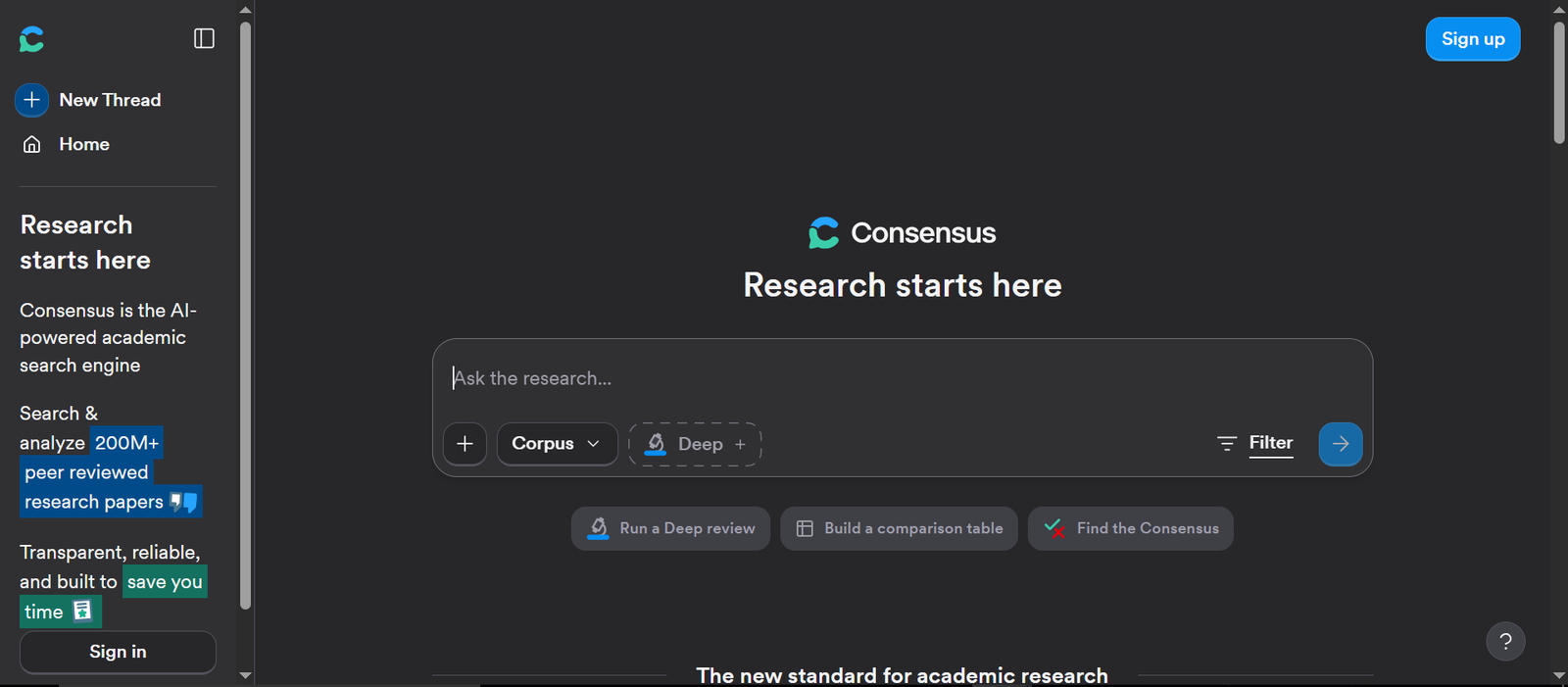
Every other AI search engine on this list will pull from blogs, forums, news sites, and academic papers alike. Consensus doesn’t — it searches exclusively across roughly 200 million peer-reviewed papers and forces its answers to stay grounded in that corpus. Ask it a yes/no question (“Does creatine improve cognitive performance?”) and it returns a direct answer plus a Consensus Meter, a visual breakdown of how many studies agree, disagree, or land somewhere in between.
That constraint is the entire value proposition. General-purpose chatbots occasionally cite a study that doesn’t exist or misstate a finding with total confidence. Consensus can’t do that in the same way, because it isn’t generating from memory — it’s synthesizing only what the retrieved papers actually say, with a clickable link back to each one.
Pros:
- Searches exclusively peer-reviewed literature — no blogs, no forums, no unverified web content
- The Consensus Meter turns scattered findings into a single, scannable agreement score
- Every synthesis links back to the source paper, down to specific findings
- Free tier is functional enough for occasional use before a subscription makes sense
Cons:
- Narrow by design — useless for shopping, news, general knowledge, or anything outside published research
- Full-text access to paywalled papers still depends on your own institutional or journal access
- Very recent or highly specialized papers can lag behind the index
Rating: 4.3/5 — The right call the moment your question needs to be backed by actual science, not a synthesized opinion.
AI Search vs. Traditional Search Engines: What Actually Changes
The two aren’t competing for the same job — they’re solving different problems with different tradeoffs.
| Feature | Traditional Search (Google, Bing) | AI Search (Perplexity, ChatGPT, Claude) |
| Output | Ranked list of links | Direct, synthesized answer |
| Verification | You check sources yourself | Citations included, but require trust in the synthesis |
| Speed | Instant | Slightly slower (retrieval + reasoning takes a moment) |
| Best for | Shopping, local search, navigation | Research, comparison, explanation, analysis |
| Follow-ups | New search each time | Holds context across a conversation |
| Accuracy risk | Depends on which link you click | Depends on how well the model interprets and combines sources |
| Ads in results | Common, often prominent | Rare currently, but changing as monetization models mature |
Neither model is “better” in the abstract. Use traditional search when you need to find something specific and real (a product, a place, a page). Use AI search when you need something explained, compared, or summarized. Most people who’ve actually adjusted their habits in 2026 use both, switching based on the task rather than picking one permanently.
AI Search Engine Myths That Waste People’s Time
A few misconceptions come up constantly and quietly lead people to bad tool choices:
- “AI search engines are always more accurate than Google.” Not true — they’re only as accurate as what they retrieve and how well they interpret it. A tool with weak sourcing (and a few exist) can synthesize confidently worded nonsense just as easily as a correct answer.
- “More sources cited automatically means a better answer.” A long source list looks thorough, but volume isn’t the same as relevance. A tool citing three tightly relevant sources can outperform one citing fifteen loosely related ones.
- “Free tiers are basically the same as paid ones.” They’re not, and the gap usually isn’t about answer quality — it’s about query limits, model access, and how deep a “Pro” search is allowed to go before you hit a wall.
- “AI search will fully replace Google soon.” Current data doesn’t support this. Google still handles the overwhelming majority of global search volume; AI tools are capturing a meaningful and fast-growing slice of informational queries specifically, not search overall.
How to Make Your Business Rank Inside AI Search Engines
If you create content for a business, “visibility” now includes whether AI search tools cite you — not just whether you rank on a traditional results page. This is often called Answer Engine Optimization (AEO) or Generative Engine Optimization (GEO), and the rules differ from classic SEO in a few important ways.
What actually moves the needle:
- Answer the question in the first two sentences. AI systems scan for pages that resolve a specific query quickly. Bury the answer under three paragraphs of preamble, and the tool moves to a competitor’s page instead.
- Structure content for extraction. Clear headings, short paragraphs, tables, and lists are far easier for a retrieval system to parse and quote than dense blocks of prose.
- Build topical depth, not just one strong page. A single great article ranks less reliably than a cluster of related pages that collectively demonstrate real expertise on a subject.
- Cite your own claims. Content that references primary data or original research signals credibility to AI systems the same way it does to human readers — and increases the odds of being cited back.
- Keep facts current and correct. AI tools cross-reference; outdated statistics or broken claims get quietly dropped from citation pools over time.
- Don’t ignore technical basics. Crawlability, page speed, and clean site structure still matter — AI retrieval systems can’t cite a page they can’t access or parse.
None of this replaces traditional SEO. It sits alongside it. The businesses gaining visibility fastest in 2026 are treating classic Google optimization and AI-search visibility as two connected efforts, not competing priorities.
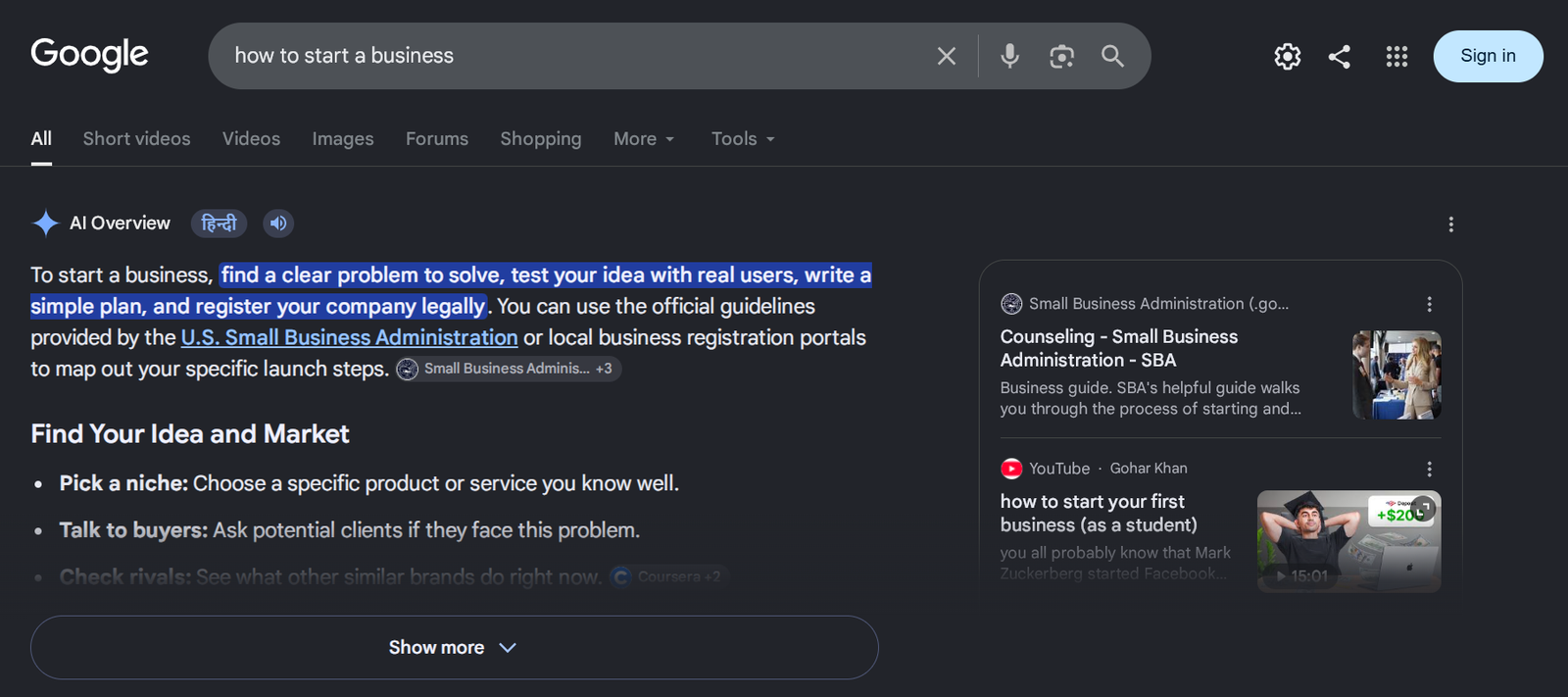
A live example worth noting: Google’s own AI Overview for this exact topic currently synthesizes its answer from a short list of six tools — and cites the source pages it pulled that framing from directly beneath the answer. That’s GEO happening in real time, not theory: the page that gets cited is the one that answered clearly, in a scannable list, with a “Best for” framing attached to each tool. It’s the same structural pattern recommended above, playing out in the wild.
Where AI Search Is Headed Next
A few shifts worth watching if you’re planning content or tooling strategy around AI search:
- AI referral traffic is growing fast, even if it’s still small in absolute terms. Multiple 2026 industry trackers put AI-driven search referrals at under 1% of total web traffic currently, but growing several times over year-over-year — a trajectory that matters more than the current baseline.
- Google’s own share is narrowing for the first time in over a decade. Independent tracking has recorded Google’s global search share drifting down from the low-90s toward the high-80s, with the difference absorbed by Bing’s Copilot integration and AI search assistants.
- Competition inside the AI segment itself is intensifying. ChatGPT still leads AI chatbot usage by raw volume, but its share of that specific market has been narrowing as Perplexity, Claude, and others post triple-digit percentage growth.
- AI Overviews inside Google are becoming the default, not the exception. They now appear on a meaningful share of all Google searches, which is quietly reshaping how much traditional click-through traffic even reaches a website in the first place.
The practical takeaway: this isn’t a fad to wait out. Search is permanently splitting into two coexisting habits — quick synthesized answers for research and explanation, and traditional results for transactions and navigation.
Frequently Asked Questions
1. What is the best AI search engine right now?
There isn’t a single universal winner. Perplexity leads for cited research, ChatGPT Search leads for research-into-output workflows, Google AI Mode leads for index breadth, and Claude leads for long-document reasoning. The right pick depends entirely on your task.
2. Are AI search engines free to use?
Most offer usable free tiers — Google AI Mode, ChatGPT Search, Perplexity, Brave Leo, and DuckDuckGo AI Chat all provide meaningful free access, though deeper or higher-volume usage typically requires a paid plan.
3. How is an AI search engine different from a regular search engine?
A traditional search engine returns a ranked list of links you click through yourself. An AI search engine reads across multiple sources and synthesizes a direct, sourced answer in natural language instead.
4. Can AI based search engines replace Google entirely?
Not currently, and not in the near term. Google still handles the large majority of global search volume, particularly for shopping, local search, and navigation. AI search tools are capturing a fast-growing share of research and informational queries specifically, not search as a whole.
5. Which AI powered search engine gives the most accurate citations?
Perplexity is generally considered the strongest on citation accuracy and transparency, due to its source-first design. Tools like Brave Leo and Kagi also score well because they rely on independent indexes rather than repackaged results.
6. Is there a completely private, anonymous AI search engine?
DuckDuckGo AI Chat and Brave Leo both operate without building behavioral profiles or logging identifiable query history, making them the strongest choices for privacy-conscious users.
7. What is Generative Engine Optimization (GEO)?
GEO is the practice of structuring content so AI search tools can easily retrieve, understand, and cite it — through clear direct answers, structured formatting, and well-sourced claims — as opposed to optimizing purely for traditional keyword ranking.
8. Do AI search engines work well for shopping or local search?
Not as well as traditional search. AI tools can describe products or nearby options, but they don’t reliably show live prices, stock, or map-based results the way Google or Bing does. Traditional search is still the faster path for transactional queries.
Final Verdict
There’s no single best AI search engine in 2026 — there’s a best one for what you’re actually trying to do. If research accuracy and citations matter most, Perplexity earns its subscription. If you want search that flows directly into writing or analysis, ChatGPT Search is the more connected choice. If you’re not ready to leave Google’s ecosystem, AI Mode gets you most of the benefit with none of the switching cost. If your work involves long documents or careful reasoning over speed, Claude is worth the extra few seconds it takes to think things through properly. And if your answer needs to be backed by actual peer-reviewed science rather than a synthesized opinion, Consensus is the only tool built specifically for that job.
The smartest move isn’t picking one tool forever