
SEO
SHORT ANSWER
The best SEO audit tools depend on your site size and skills. Google Search Console and PageSpeed Insights are free starting points. Screaming Frog suits deep technical crawls, while Ahrefs, Semrush, and SE Ranking add scheduling and reporting. Pick the one that fits your site, then fix problems in order of impact.
Most audit tools will happily hand you a list of 200 “issues”. Very few tell you which five actually matter. That gap is where site owners lose weeks.
This guide compares 20 SEO audit tools with the pros and cons of each, shows how to choose between them, and explains what to do with the results.
Best SEO Audit Tools for Every Budget: 20 In-Depth Reviews with Pros and Cons
What Do SEO Audit Tools Actually Check?
An SEO audit tool crawls your site the way a search engine would and flags problems that can hold back crawling, indexing, and rankings. In plain terms, an SEO audit means a health check of your site’s technical setup, on-page elements, and content.
Most tools cover the same core areas:
- Crawlability and indexing: blocked pages, noindex tags, redirect chains, broken links, sitemap errors.
- On-page basics: missing or duplicate titles and meta descriptions, heading structure, thin pages.
- Site performance: page speed, mobile usability, image weight.
- Site structure: internal links, orphan pages, duplicate URLs and canonical tags.
What separates one tool from another is depth, scale, reporting, and price, not the basic idea.
How Do You Choose the Right SEO Audit Tool?
Start with your site’s size and your own technical comfort. A 40-page business site and a 20,000-page store need very different tools, and a beginner needs clearer explanations than an agency does.
Ask yourself four questions:
- How many URLs do you have? Some free plans cap how many pages they crawl.
- Do you need one-off checks or ongoing monitoring? Scheduled re-crawls cost more.
- Who reads the report? A developer wants raw data. A business owner wants a short priority list.
- Are you auditing one site or many? Agencies need project management and white-label reports.
PRO TIP
Run a free tool first. If it already shows you more problems than you can fix this month, you do not need a bigger tool yet.
20 Best SEO Audit Tools: Features, Pros, Cons and Pro Tips
Pricing and limits change often, so check each vendor’s page before you commit. Details below describe what each tool is known for, not a ranking of one over another.
1. Google Search Console
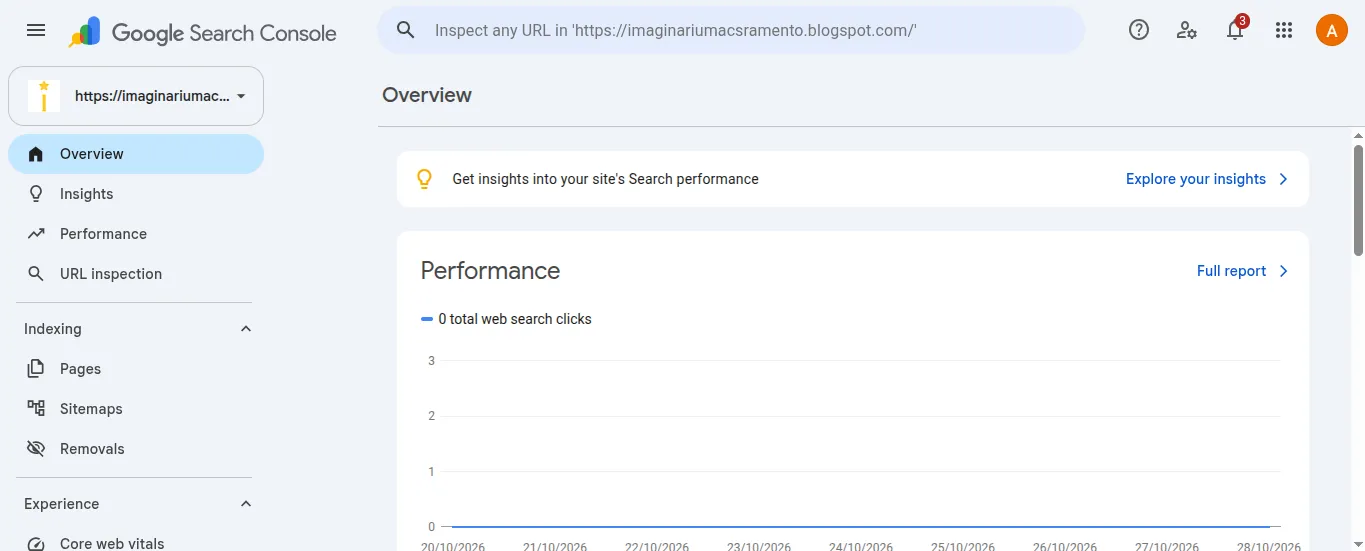
Best for: seeing your site the way Google reports it.
Google Search Console is free and shows indexing status, search performance, mobile usability, sitemap processing and security or manual action alerts for sites you verify. No other tool shows you what Google itself has recorded.
Limit: it reports issues but is not a full crawler, so it will not map your internal links or find every duplicate title.
Pros: free; shows Google’s own indexing and performance data; flags manual actions and security issues.
Cons: not a full crawler; no internal link map; works only for sites you can verify.
2. PageSpeed Insights
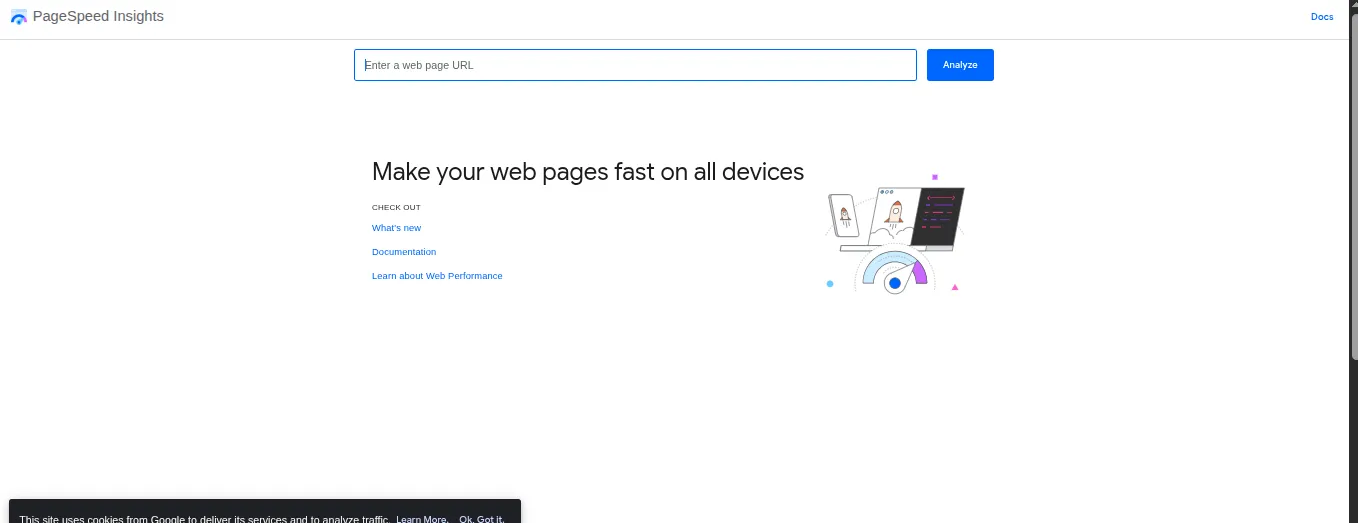
Best for: checking speed and page experience on one URL at a time.
PageSpeed Insights is free and tests a single page, which makes it a good companion to a crawler rather than a replacement. Use it on your homepage and your top landing pages.
Pros: free; easy to read; gives page-level speed and experience data.
Cons: one URL at a time; covers speed only, not the wider audit.
3. Bing Webmaster Tools
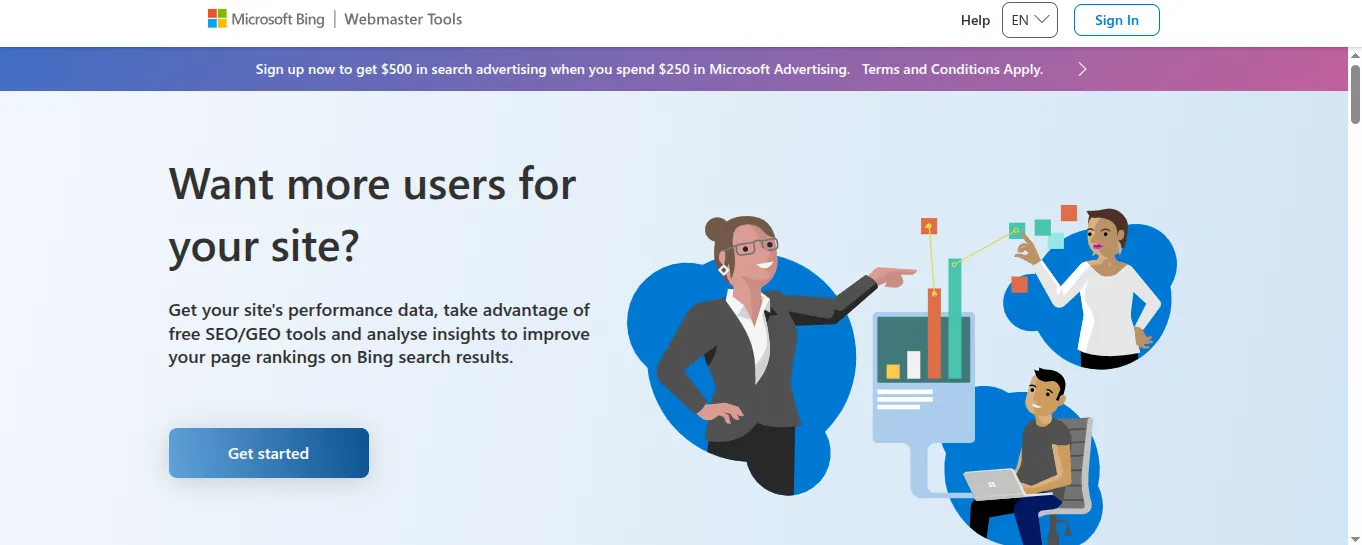
Best for: a free second view of your site.
Bing’s free toolset offers a site scan and indexing reports. It will not replace Search Console, but it can flag issues Google’s tools do not surface in the same way.
Pros: free; gives a second search engine’s view; includes a site scan.
Cons: reports on Bing only, so it cannot replace Search Console for Google issues.
4. Screaming Frog SEO Spider
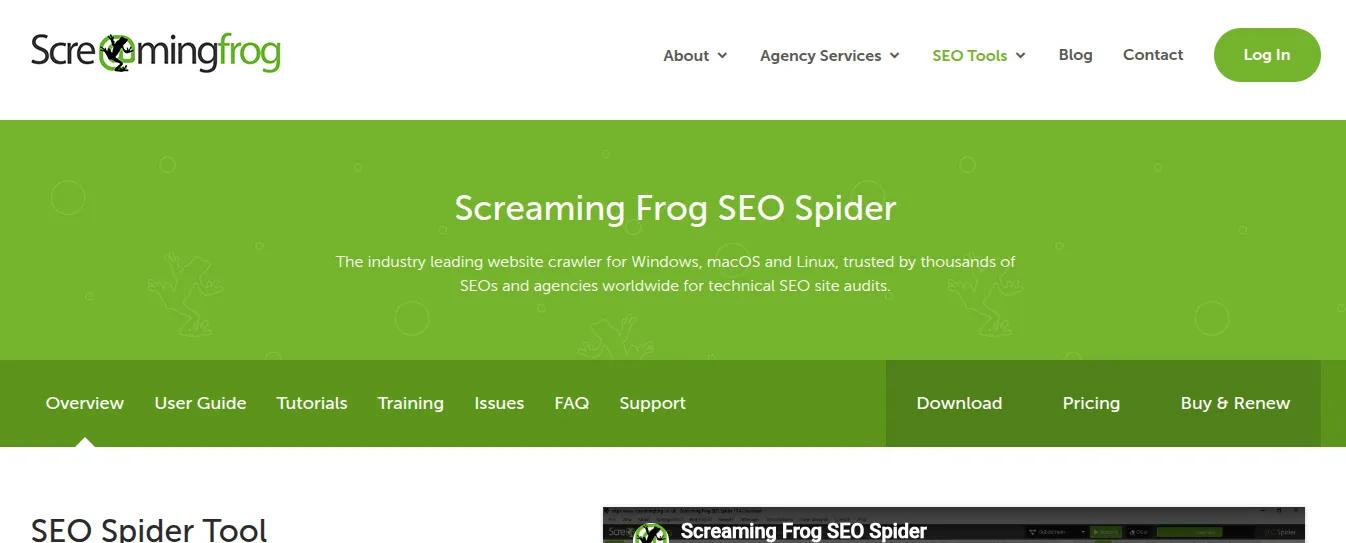
Best for: deep technical crawls.
Screaming Frog is a desktop crawler that finds broken links, redirect chains, missing metadata, duplicate content, and robots directives. The free version crawls up to 500 URLs, which covers many small sites.
Limit: it has a learning curve, and the free version isn’t suitable for large sites.
Pros: very detailed crawl data; exports easily to spreadsheets; free up to 500 URLs.
Cons: desktop only; steep learning curve for beginners; the free version is capped.
5. Ahrefs Site Audit
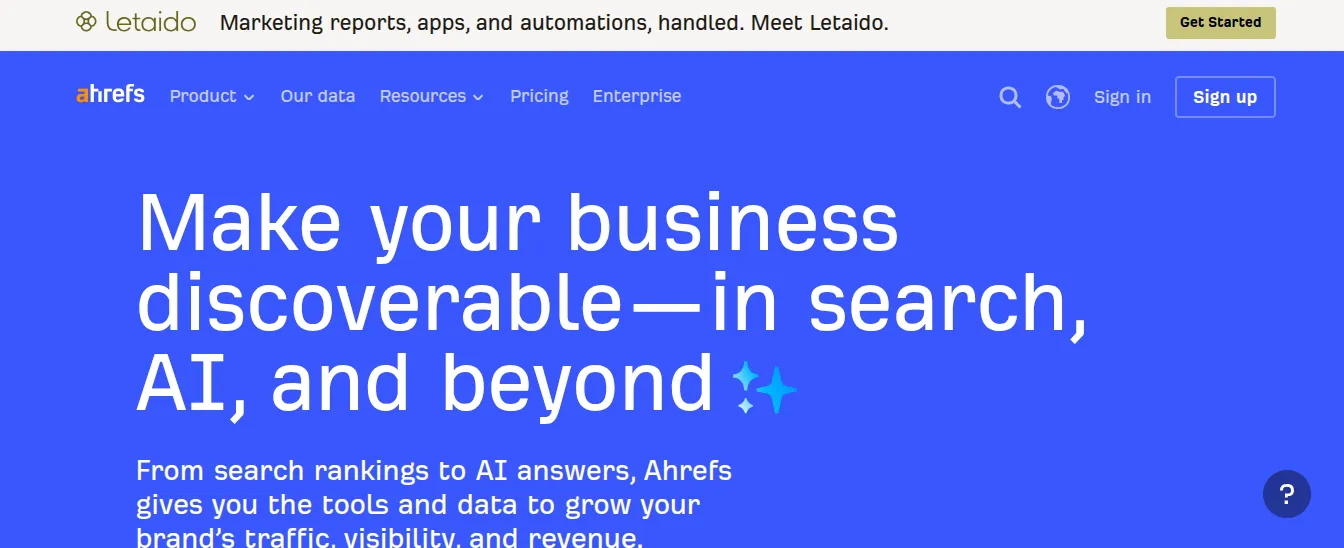
Best for: teams that already use Ahrefs for links and keywords.
Its audit scores site health and groups issues by severity. Ahrefs Webmaster Tools also gives verified site owners a free version with a subset of the features, which is worth trying before you pay.
Pros: health score with issues grouped by severity; free Webmaster Tools for verified sites; links and keyword data in the same account.
Cons: full plans cost more than a standalone crawler; the free version is a subset of the features.
6. Semrush Site Audit
Best for: audits inside a wider SEO suite.
Semrush Site Audit checks technical and on-page issues and tracks progress over time. A limited free plan exists, but heavy use needs a paid plan.
Pros: tracks progress over time; sits inside a wider SEO suite; has a limited free plan.
Cons: paid plans can be pricey; the free plan has page and usage limits.
7. SE Ranking Website Audit
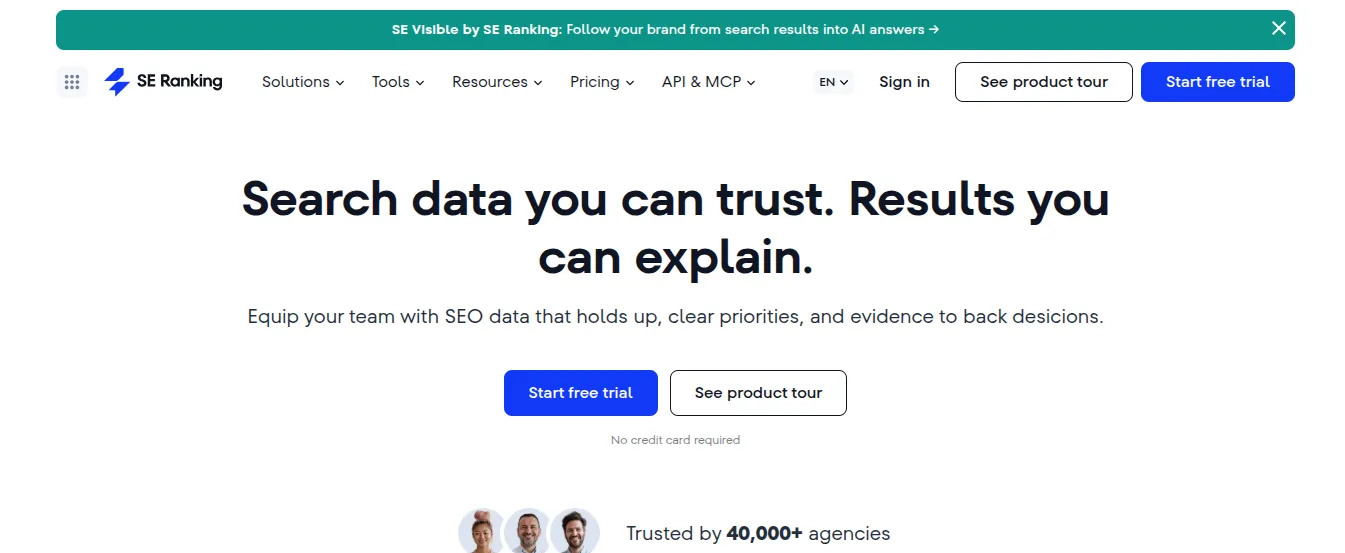
Best for: agencies and multi-site audits.
SE Ranking is often recommended where one team manages several client sites, because of its project structure and reporting.
Pros: project structure and reporting suit agencies handling several sites; often called good value.
Cons: may suit small and mid-size sites better than very large ones.
8. Seobility
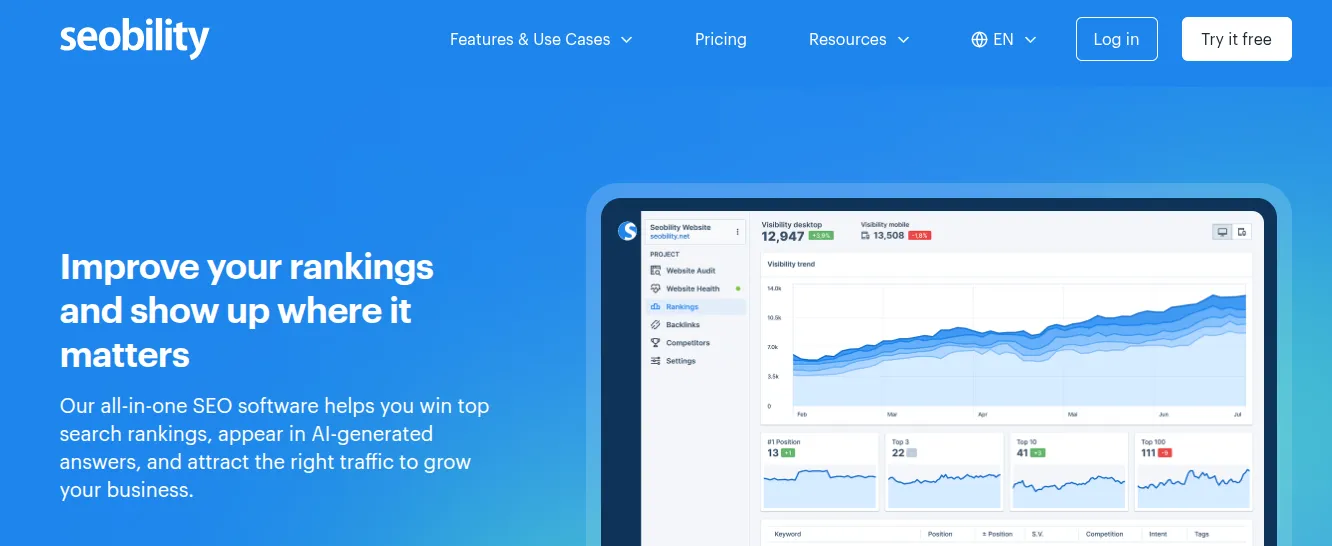
Best for: quick website checks with clear explanations.
Seobility offers a website audit with a free tier and plain-language guidance, which suits beginners. Check the current free limits before relying on it for a bigger site.
Pros: free tier; clear, plain-language explanations.
Cons: free limits apply; lighter than a dedicated enterprise crawler.
9. Sitebulb
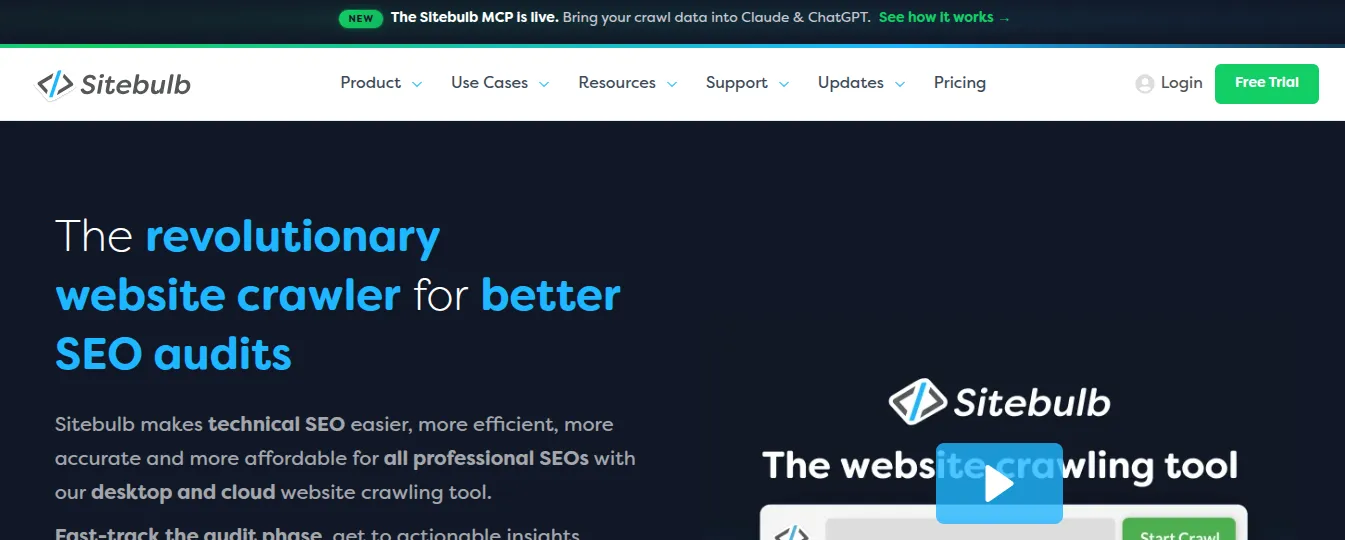
Best for: SEOs who want visual, easy-to-read crawl reports.
Sitebulb is a crawler available as a desktop app and a cloud product. It turns crawl data into charts and prioritised hints, so you spend less time reading spreadsheets.
Pros: strong data visualisation; hints explain what to fix; desktop and cloud options.
Cons: paid; fewer all-in-one SEO features than suites like Semrush or Ahrefs.
10. Lumar (formerly DeepCrawl)
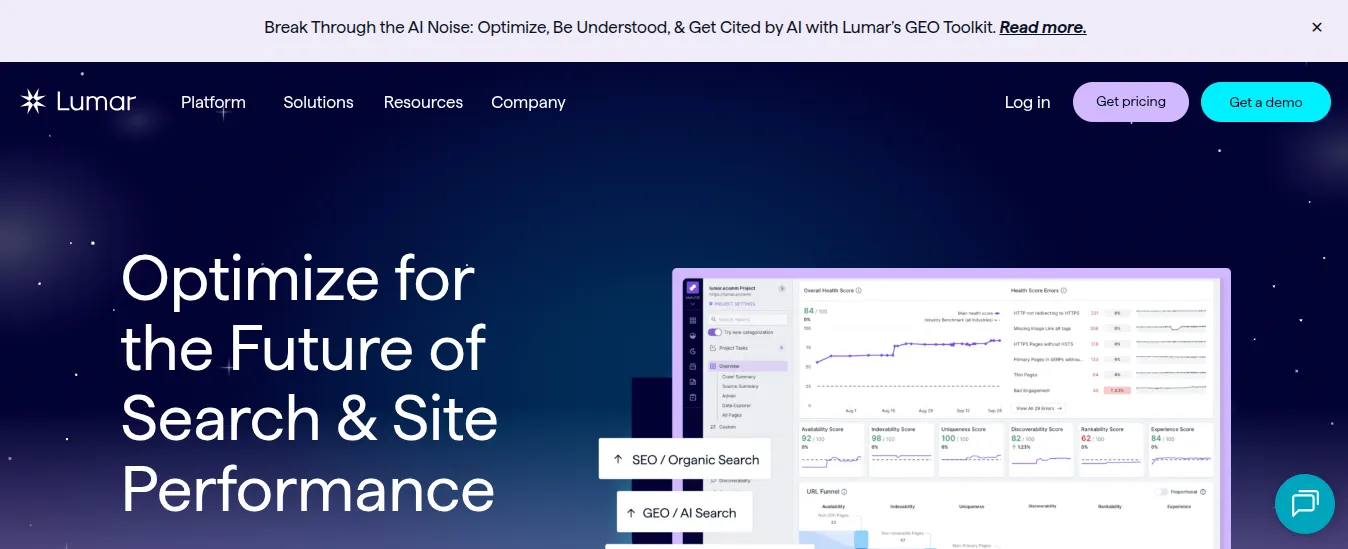
Best for: enterprise sites with large, complex structures.
Lumar is built for big sites and teams. Users highlight its scheduled crawls and its clear view of redirect chains.
Pros: scheduling for continuous crawling; detailed redirect and technical analysis; suited to large teams.
Cons: no public pricing, so you contact sales; likely more than a small site needs.
11. Oncrawl
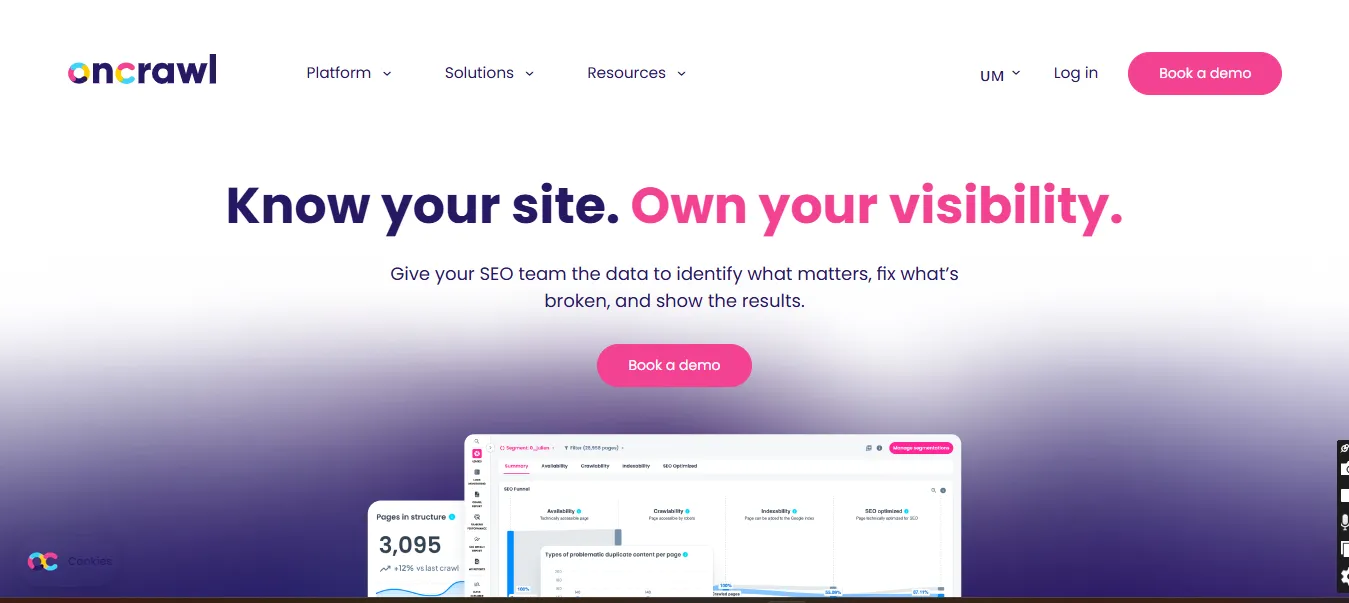
Best for: large sites that want crawl data combined with log file analysis.
Oncrawl is a cloud-based crawler that connects crawl data with log files and traffic signals, so you can see how search engines actually behave on your site.
Pros: cloud crawling that scales to big sites; log file analysis; combines crawl and traffic data.
Cons: pricing is less transparent; more technical than most small sites need.
12. Moz Pro
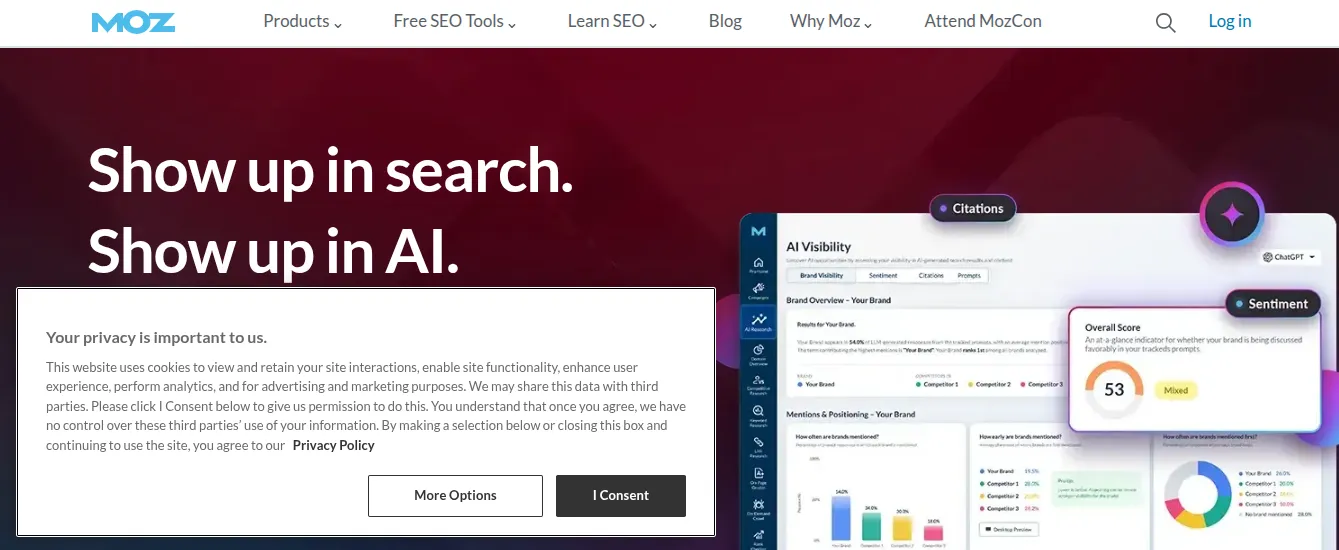
Best for: small agencies and in-house marketers who want a friendly interface.
Moz Pro bundles a site crawl with page optimisation and rank tracking. Reviewers often call it easy to use.
Pros: beginner-friendly; issue tracking; audits and rank tracking together.
Cons: crawl limits can frustrate on larger sites; paid only; crawl depth is lighter than the heavy-duty crawlers.
13. Sitechecker
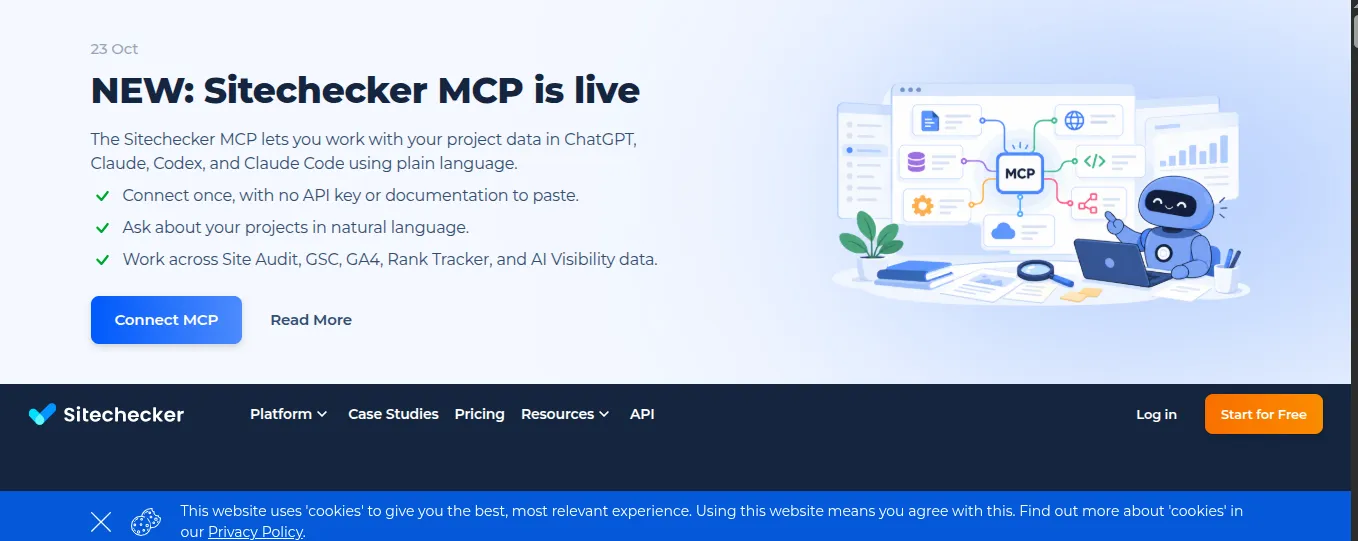
Best for: ongoing site monitoring with scheduled checks.
Sitechecker offers a cloud audit with monitoring. Its crawl limits depend on the plan, so check the tier against your page count.
Pros: continuous monitoring; clear issue lists; free trial available.
Cons: limits vary by plan; fewer deep-crawl options than Screaming Frog.
14. Netpeak Spider
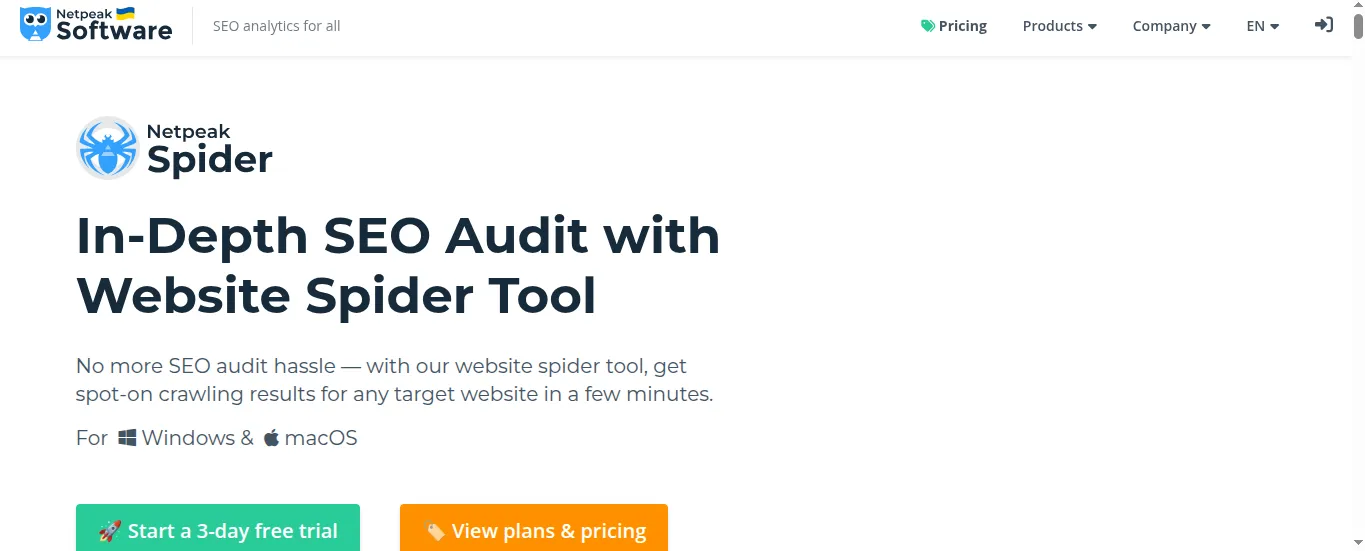
Best for: budget-minded technical SEOs who want a desktop crawler.
Netpeak Spider is a desktop crawler with a free version and high page limits on paid plans.
Pros: free version available; handles large crawls on paid plans; reviewers cite ease of use.
Cons: smaller user community than Screaming Frog; test it on your own site to check accuracy and fit.
15. SEOptimer
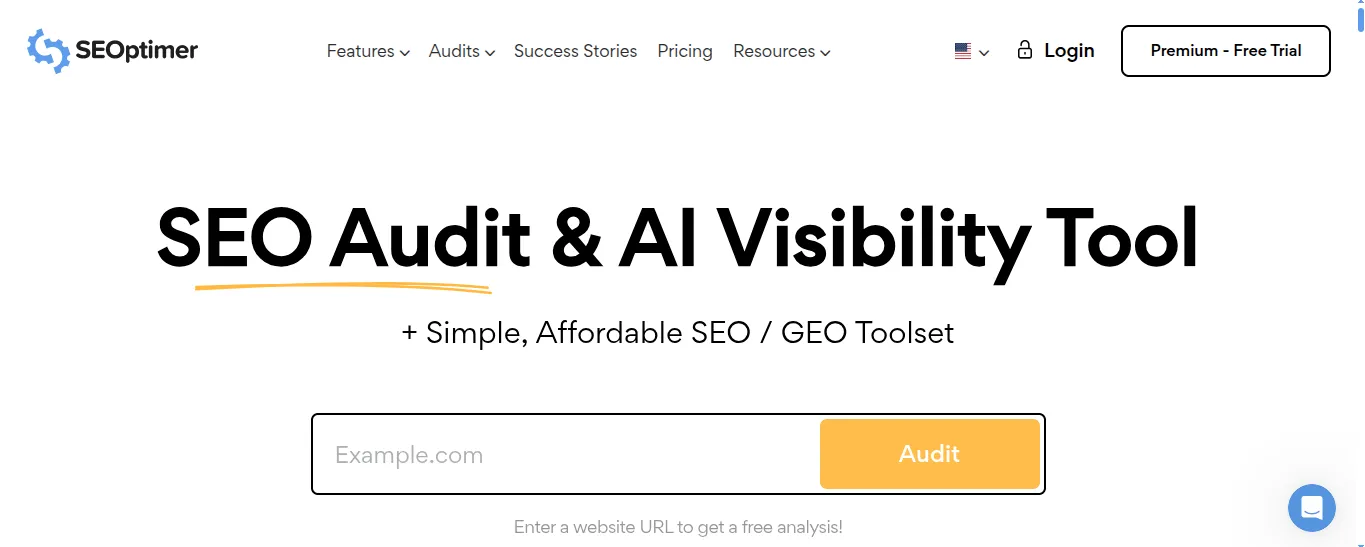
Best for: small businesses and agencies that want a quick, shareable report.
SEOptimer is known for an audit tool you can embed on your own website, which makes it popular with agencies generating leads.
Pros: simple reports; embeddable audit form; suited to small businesses.
Cons: a lighter check than a full crawler; paid plans needed for regular use.
16. Ubersuggest
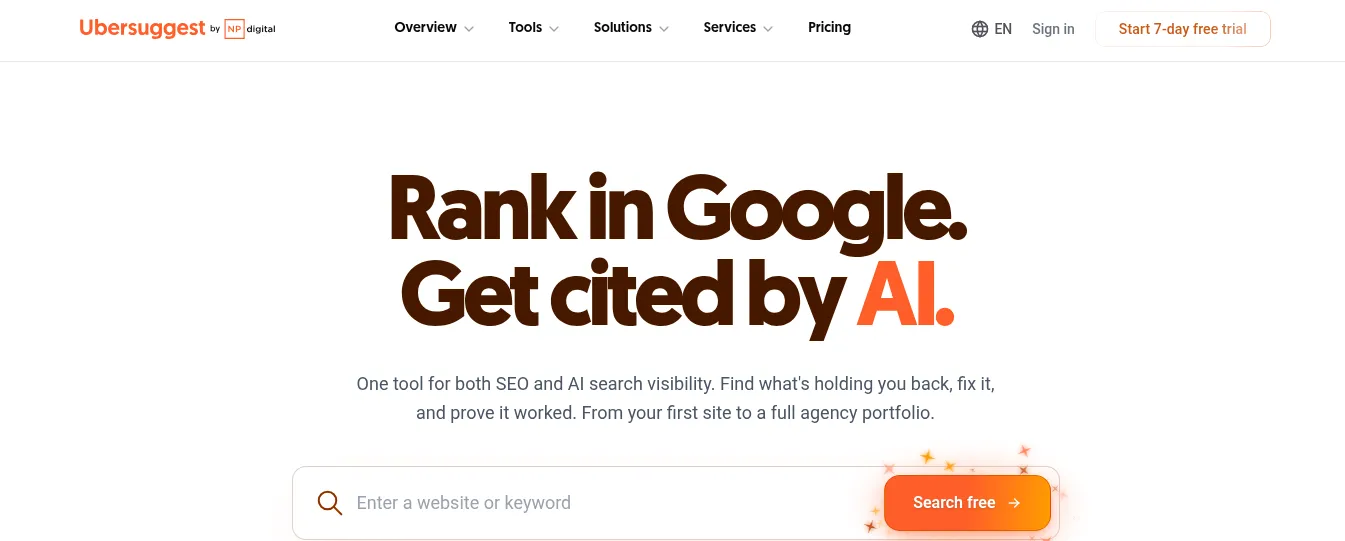
Best for: beginners who want audit, keyword, and competitor data in one place.
Ubersuggest, from marketer Neil Patel, includes a site audit alongside keyword research and competitor analysis.
Pros: limited free use; beginner-friendly; combines audit with keyword ideas.
Cons: free access is limited; audit depth is lighter than dedicated crawlers.
17. GTmetrix
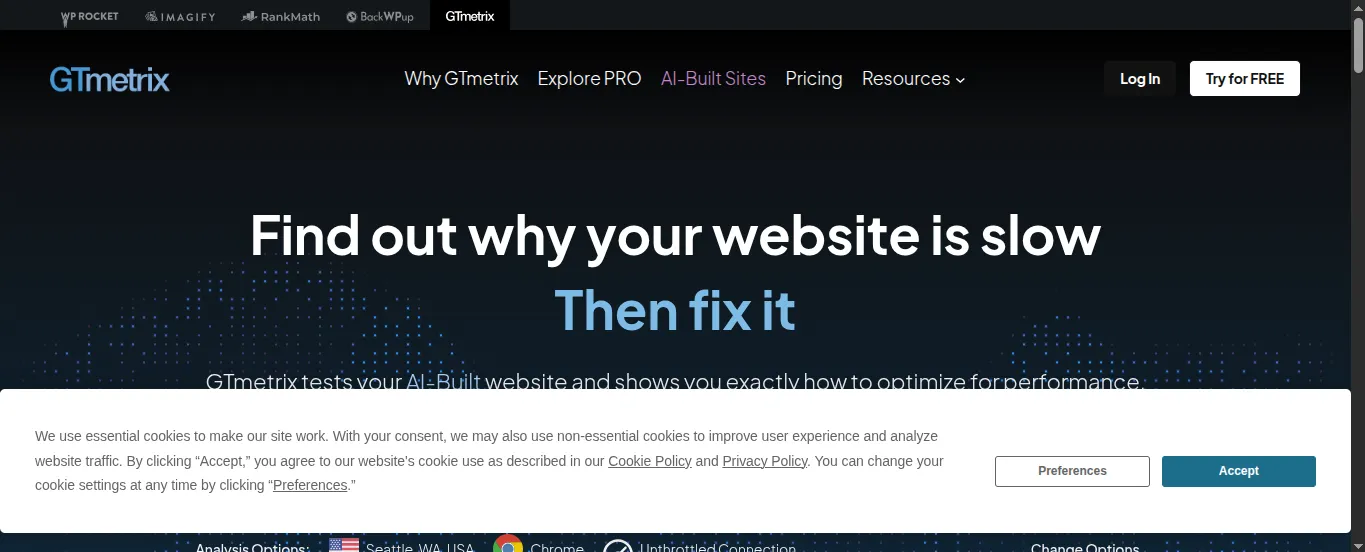
Best for: detailed page speed and performance checks.
GTmetrix is a performance testing tool with a free version. Use it to dig into load times after a crawler flags slow pages.
Pros: free version; detailed performance breakdowns; good for tracking speed over time.
Cons: focuses on performance only; not a technical SEO crawler.
18. Morningscore
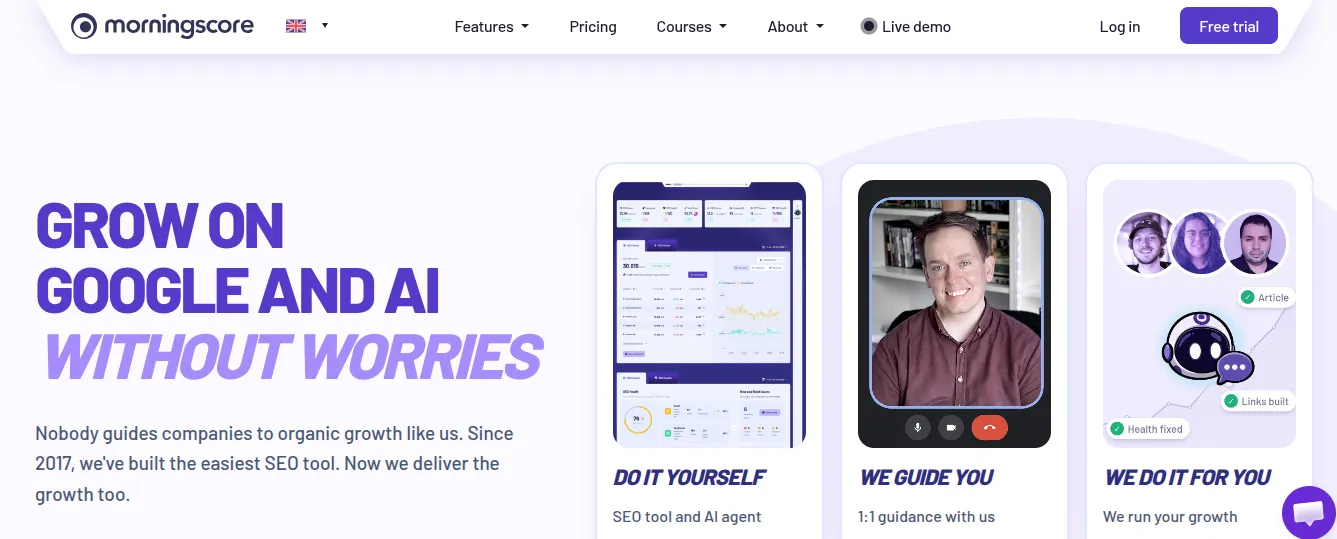
Best for: beginners who want motivation and simple tasks.
Morningscore takes a gamified approach to SEO, turning fixes into small tasks and goals.
Pros: approachable for newcomers; task-based approach keeps work moving.
Cons: less depth than technical crawlers; paid plans needed for regular use.
19. SEO PowerSuite WebSite Auditor
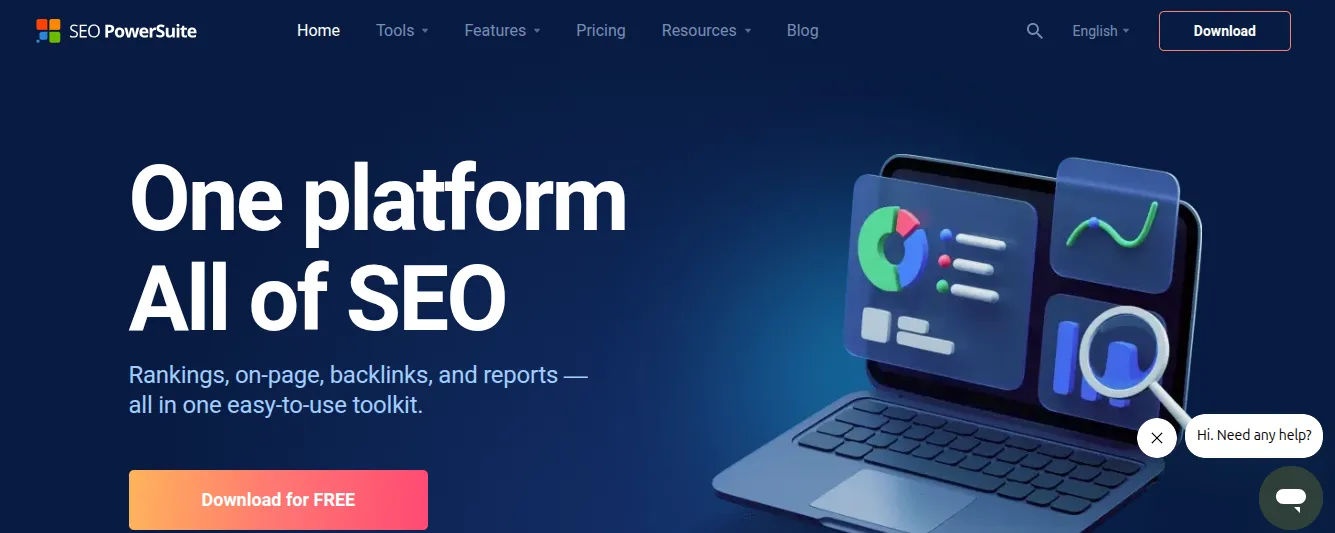
Best for: freelancers who prefer a desktop tool.
WebSite Auditor is the audit module of the SEO PowerSuite desktop software, aimed at technical and on-page checks.
Pros: desktop-based, so you control the crawl on your own machine; on-page and technical checks in one place.
Cons: needs installation; check the current free limits and plans before relying on it.
20. Rank Math SEO Analyzer
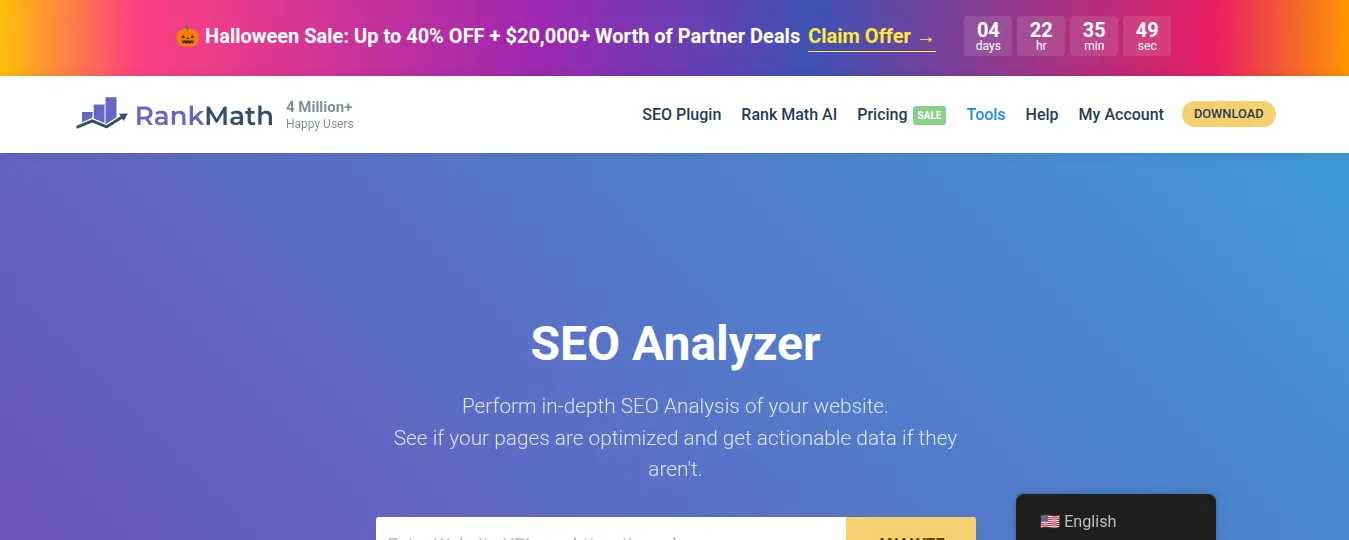
Best for: a quick, free check of a single URL.
Rank Math’s free SEO Analyzer reviews one page and lists issues to fix. It is useful for a fast sanity check, especially for WordPress sites.
Pros: free; quick; easy to act on.
Cons: checks one URL at a time; not a full-site crawl.
BALANCED TAKE
No tool finds everything. Two tools often disagree on severity, and a long issue count does not mean a weak site. Treat the output as evidence to investigate, not a verdict.
Free vs Paid: What Do You Actually Get?
Free tools are enough for a small site and a one-time check. Paid tools earn their cost when you need scheduled crawls, history, bigger limits, or client reports.
| Criteria | Free tools | Paid tools |
|---|---|---|
| Best for | Small sites, one-off audits | Large sites, ongoing work, agencies |
| Crawl limits | Often capped (Screaming Frog free: 500 URLs) | Higher or unlimited |
| Scheduling and history | Rare | Common |
| Reporting | Basic | Branded, exportable |
DID YOU KNOW
Screaming Frog’s free version is capped at 500 URLs, so a 2,000-page site needs the paid version to be fully crawled.
A sensible small-site stack costs nothing: Search Console, PageSpeed Insights and the free Screaming Frog crawl cover most basics.
How Do You Run an SEO Audit With These Tools?
Crawl first, check Google’s data second, then fix in order of impact. Here is a simple routine that works with any of the tools above.
- Check indexing in Search Console. Confirm important pages are indexed, and nothing is blocked by mistake.
- Crawl the site. Use Screaming Frog or a cloud audit tool to collect errors and warnings.
- Sort by impact. Fix blocked pages, server errors, and redirect problems before missing meta descriptions.
- Test speed on key pages. Run PageSpeed Insights on your top landing pages.
- Review content and links. Merge thin pages and link orphan pages from relevant ones.
- Re-crawl after changes. Allow time for Google to recrawl. Google says crawling can take a few days to a few weeks.
PRO TIP
Export the crawl and add one column called “Fix first, next, or later”. A short, sorted list gets done. A 300-row spreadsheet does not.
What Should a Free SEO Audit Report Include?
A useful free SEO audit report should tell you what is wrong, how serious it is, and what to do next. Be cautious of reports that only show a score.
Look for these parts:
- A list of issues grouped by severity.
- The affected URLs for each issue.
- A plain explanation of why each issue matters.
- Clear next steps.
Many free reports are also lead-generation tools, so expect a sales follow-up.
What Can SEO Audit Tools Not Tell You?
Audit tools find technical and on-page problems. They cannot judge whether your content answers what searchers want, whether your offer is better than competitors, or which fixes will move revenue.
That is where human review matters. Someone has to read the results, decide what is worth fixing, and check it against your goals.
GETMERANK TIP
At Get Me Rank, we treat the crawl as the starting point. We check the flagged issues against Search Console data and the pages that bring in business before we recommend any work.
Get Me Rank: Your Audit, Turned Into a Fix List
READY TO GROW?
Not sure which issues matter most? Get Me Rank audits your site and gives you a clear, prioritised plan to improve your rankings. Book your SEO audit today.
Frequently Asked Questions
1. How often should I run an SEO audit?
Run a full audit at least once or twice a year, and after any redesign, migration or big content change. Monitor Search Console monthly for new errors in between.
2. Can I do an SEO audit for free?
Yes. Search Console, PageSpeed Insights and the free tier of a crawler cover the basics for a small site. Larger sites usually need a paid plan for full coverage.
3. Why do two audit tools show different results?
Tools crawl differently, use different severity rules, and may limit pages or depth. Use them as signals and confirm important issues in Search Console.
4. Do SEO audit tools fix problems automatically?
Mostly no. They detect and report issues. Fixes happen in your CMS, theme, server settings or content.
5. What is the difference between an SEO audit tool and an SEO audit service?
A tool crawls and reports. A service adds expert review, prioritisation and often help with implementation.
6. Does Get Me Rank use audit tools in its SEO audits?
Yes, but the tools are only the input. The team reviews the findings against Search Console data and your business goals before recommending fixes.
Conclusion
The right SEO audit tools match your site size, budget, and skills. Start with the free ones, add a crawler when you need depth, and move to a paid suite only when scheduling, history, or client reporting justifies it. Whichever you pick, the real win is fixing the few issues that matter most.